
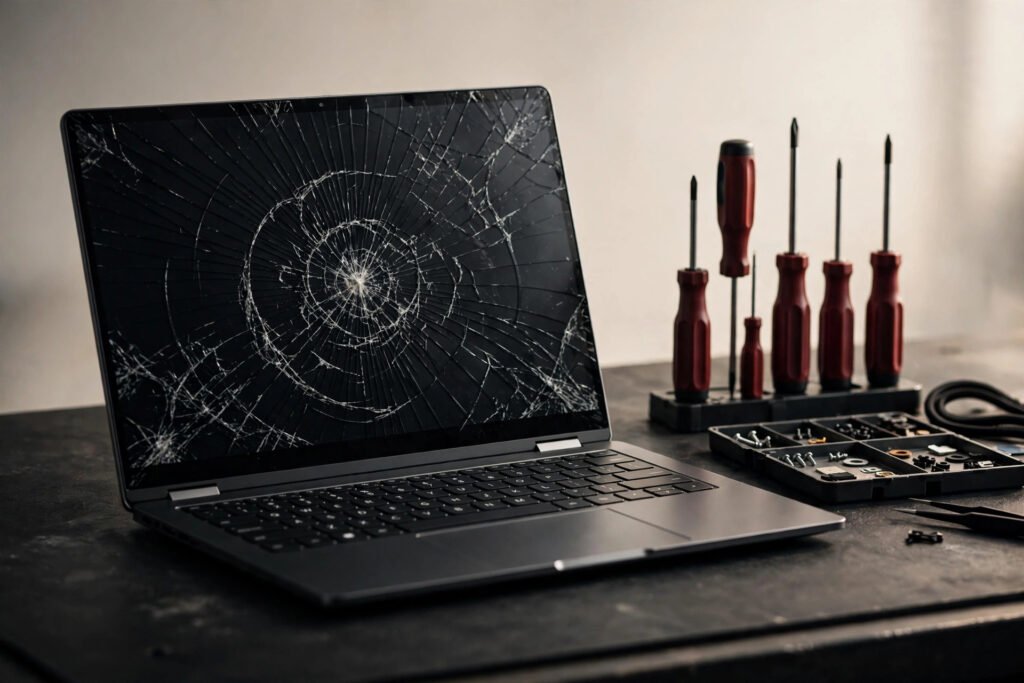
Laptop repair in Georgetown typically costs $89–$249 for common jobs. Screens run $129–$249, batteries $89–$149, and keyboards $99–$179. Most repairs at Tech Guys are done in 1–3 days, and diagnosis is always free — you approve the price before we touch anything.
Laptops fail in predictable ways, and most of those ways are cheaper to fix than people expect. This guide covers real prices, real turnaround times, and the honest repair-vs-replace math for every common problem.
Common Laptop Repairs: Cost & Turnaround
| Repair | Typical Cost | Turnaround |
|---|---|---|
| Screen replacement | $129–$249 | 1–2 days |
| Battery replacement | $89–$149 | Same day – 1 day |
| Keyboard replacement | $99–$179 | 1–3 days |
| Charging port / DC jack | $99–$159 | 1–2 days |
| SSD upgrade (incl. part) | $129–$229 | Same day |
| RAM upgrade (incl. part) | $79–$149 | Same day |
| Virus removal + tune-up | $79–$129 | Same day |
| Windows reinstall | $89–$129 | 1 day |
| Data recovery | Quoted after diagnosis | 2–5 days |
Please note: all prices shown are estimates only, not confirmed prices. Final pricing may vary based on your device model, parts availability, and the extent of the issue. Contact us for a confirmed quote.

Cracked or Dead Laptop Screens: The Full Picture
Screen damage is the #1 laptop repair we see — usually a drop, something heavy placed on a closed lid, or the classic “picked it up by the screen.” Here’s what determines your price:
Panel type matters. A basic 15.6″ 1080p panel is $129–$169 installed. A high-refresh gaming display (144Hz+) or a 4K panel runs $199–$249. Touchscreen panels cost more than non-touch. MacBook screens are their own category — Retina displays run higher, and we quote those individually.
Sometimes it’s not the screen. A black display with the laptop clearly running is often a failed backlight cable ($60–$90 fix), not a dead panel. A flickering screen is frequently a loose display cable. We diagnose before quoting so you don’t pay for a screen you don’t need.
External monitor test. If you have a monitor or TV with HDMI, plug your laptop in. If the external display works fine, your laptop’s brain is healthy — it’s just the screen. That simple test tells you the repair is worth doing.
Battery Problems: When to Replace
Laptop batteries are consumables — they all die eventually. Signs yours is done:
- Dies at 30–40% instead of 0%
- Only works plugged in
- Trackpad feels raised or the bottom case is bulging (swollen battery — stop using it immediately, this is a fire risk)
- “Plugged in, not charging” that persists across chargers
A battery swap is one of the best value repairs: $89–$149, often same-day, and it can make a 3-year-old laptop feel portable again. If your battery is swollen, don’t try to remove it yourself — punctured lithium batteries catch fire. Bring it in and we’ll handle it safely.
The SSD + RAM Upgrade: The Smartest $200 You’ll Spend
This deserves its own section because it’s the most underrated service we offer.
If your laptop is 4–7 years old, slow to boot, and groaning under Windows updates, you probably don’t need a new laptop — you need an SSD. Swapping a mechanical hard drive (or small old SSD) for a modern 500GB–1TB SSD typically costs $129–$229 including the part and data transfer, takes a few hours, and the difference is dramatic: boot times drop from 3 minutes to 20 seconds, programs open instantly, and the whole machine feels 3–4 years younger.
Add a RAM bump ($79–$149) if you’re running 4GB, and you’ve extended a laptop’s useful life by 2–3 years for under $250 total. We see customers do this instead of buying a $900 replacement — it’s genuinely the best value in computing.
What we transfer: everything. Your files, programs, Windows license, settings — the upgraded laptop looks and feels exactly like your old one, just fast.
Keyboard, Trackpad & Charging Port Issues
Keyboards fail from spills, dust, and worn contacts. Individual keys can sometimes be replaced ($15–$30), but widespread failure means a full keyboard ($99–$179). Spill damage? Power off immediately, flip it upside down, and bring it in — don’t try to dry it with a hairdryer.
Charging ports loosen over years of plugging and unplugging. If you have to wiggle the cable to charge, the DC jack is wearing out — a $99–$159 fix. Catch it early: a loose jack stresses the motherboard, and motherboard damage costs far more.
Trackpads that click on their own or don’t register are usually a $79–$129 fix — often just a cable, sometimes the trackpad itself.
Virus Removal and Tune-Ups: What’s Actually Included?
Our $79–$129 tune-up isn’t just “run an antivirus.” Here’s the actual process:
- Full malware scan with multiple engines (one scanner misses things)
- Removal of browser hijackers, fake “system optimizer” programs, and startup bloat
- Windows update repair (broken updates cause half the slowness we see)
- Startup program audit — we show you what’s launching at boot and trim it
- Disk health check — because sometimes “slow” is actually a dying drive
You get the laptop back with a report of what was found and removed. And we’ll tell you straight if the real problem is hardware, not software.
MacBook Repairs: What to Know
Yes, we repair MacBooks — screens, batteries, keyboards, and logic-board work on MacBook Air and Pro. A few Mac-specific notes:
- Butterfly keyboards (2016–2019 models): Apple’s infamous failure-prone design. We replace them with the improved scissor-switch version.
- Battery service: MacBook batteries are glued in. It’s a careful 1–2 hour job, not a 10-minute swap — anyone quoting you $50 is cutting corners.
- Logic board repair: This is board-level microsoldering — the work most shops turn away. Failed charging circuits, no-power issues, liquid damage: we diagnose at the component level and quote honestly. Sometimes the answer is “not economical,” and we’ll say so.
Is It Worth Repairing My Laptop? The Real Math
Use this framework:
Repair it when: the fix costs less than half a comparable new laptop, the machine is under 5 years old, and it meets your needs. A $149 screen on a 3-year-old laptop: obvious yes.
Upgrade it when: it’s 4–7 years old, fundamentally fine, but slow. SSD + RAM for ~$200 buys 2–3 more years.
Replace it when: it’s 6+ years old with a major failure, repair costs exceed 50% of replacement, or you need capabilities it can’t deliver (gaming, video editing, modern software requirements). We’ll also buy your old machine for parts — ask about trade-in credit.
The exception: data. If a dead laptop holds irreplaceable photos or business files, the repair-vs-replace math changes completely — recovery comes first, decisions second.
Will I Lose My Files?
No — for screen, battery, keyboard, and port repairs your data is never touched. For Windows reinstalls, we back up your files first (tell us what matters most). For data recovery from dead drives, we quote after a free diagnosis and only proceed with your approval.
One rule we never break: we never browse your files. Your data is your business.
Frequently Asked Questions
How long does laptop screen repair take?
1–2 days for most models. If we have your screen in stock, sometimes same-day.
My laptop won’t turn on at all. Is it dead?
Not necessarily. Dead laptops are most often a failed charger, battery, or DC jack — all cheap fixes. Even “dead” motherboards can sometimes be revived with board-level repair. Bring it in for a free diagnosis before assuming the worst.
Should I repair or replace my 5-year-old laptop?
Depends on what’s wrong and what you use it for. For basic web/office work, an SSD upgrade often buys 2–3 more years. For gaming or video editing on a 5-year-old machine, replacement usually wins. Ask us — we’ll give you a straight answer, including when the answer is “buy a new one.”
Do you repair MacBooks?
Yes — screens, batteries, keyboards, and logic-board work on MacBook Air and Pro. Board-level repair is our specialty; it’s the work other shops turn away.
Is my data safe with you?
Yes. We never browse your files, and anything we handle stays confidential. For extra peace of mind, you’re welcome to remove sensitive files beforehand or ask us about it in store.
How much does it cost to speed up a slow laptop?
An SSD upgrade ($129–$229 including the part and data transfer) is the single biggest speed improvement. Add RAM ($79–$149) if you’re at 4GB. Most slow laptops are transformed for under $250 total, same-day.
My laptop was dropped in water / coffee. What should I do?
Power it off immediately, unplug it, flip it upside down to drain, and do NOT try to turn it on “to check.” Bring it in as fast as you can — every hour matters with liquid damage. Do not use rice; it doesn’t work and gets starch inside the machine.
Can you recover data from a dead hard drive?
Often yes. We quote after a free diagnosis — simple logical failures start around $99, while physically damaged drives requiring cleanroom work are quoted individually. We only proceed with your approval, and there’s no charge if recovery isn’t possible.