

A MacBook screen fix in Georgetown typically costs $129–$249 depending on the model and screen size, with most Air and 13-inch Pro models at the lower end and larger 14- and 16-inch models at the higher end. Turnaround is usually 1–3 days, and every fix includes our 90-day warranty on parts and labour.
The short version: if your MacBook’s screen is cracked but the machine works fine otherwise — external display looks normal, it boots and runs — the fix is almost always worth it. A $129–$249 screen fix beats a $1,300+ new MacBook every time. But MacBook screens are more complex than phone screens, so read on for what drives the price and the one situation where we’d talk you out of it.
MacBook Screen Fix Prices (Georgetown, 2026)
| Model | Typical Screen Fix Cost | Turnaround |
|---|---|---|
| MacBook Air 13″ (M1 / M2 / M3) | $129–$199 | 1–2 days |
| MacBook Pro 13″ | $159–$229 | 1–3 days |
| MacBook Pro 14″ / 16″ | $199–$249 | 2–3 days |
| Older MacBook Air / Pro (Intel, 2015–2019) | $129–$199 | 1–3 days |
Please note: all prices shown are estimates only, not confirmed prices. Final pricing may vary based on your device model, parts availability, and the extent of the issue. Contact us for a confirmed quote.
Why MacBook Screens Cost More Than Phone Screens
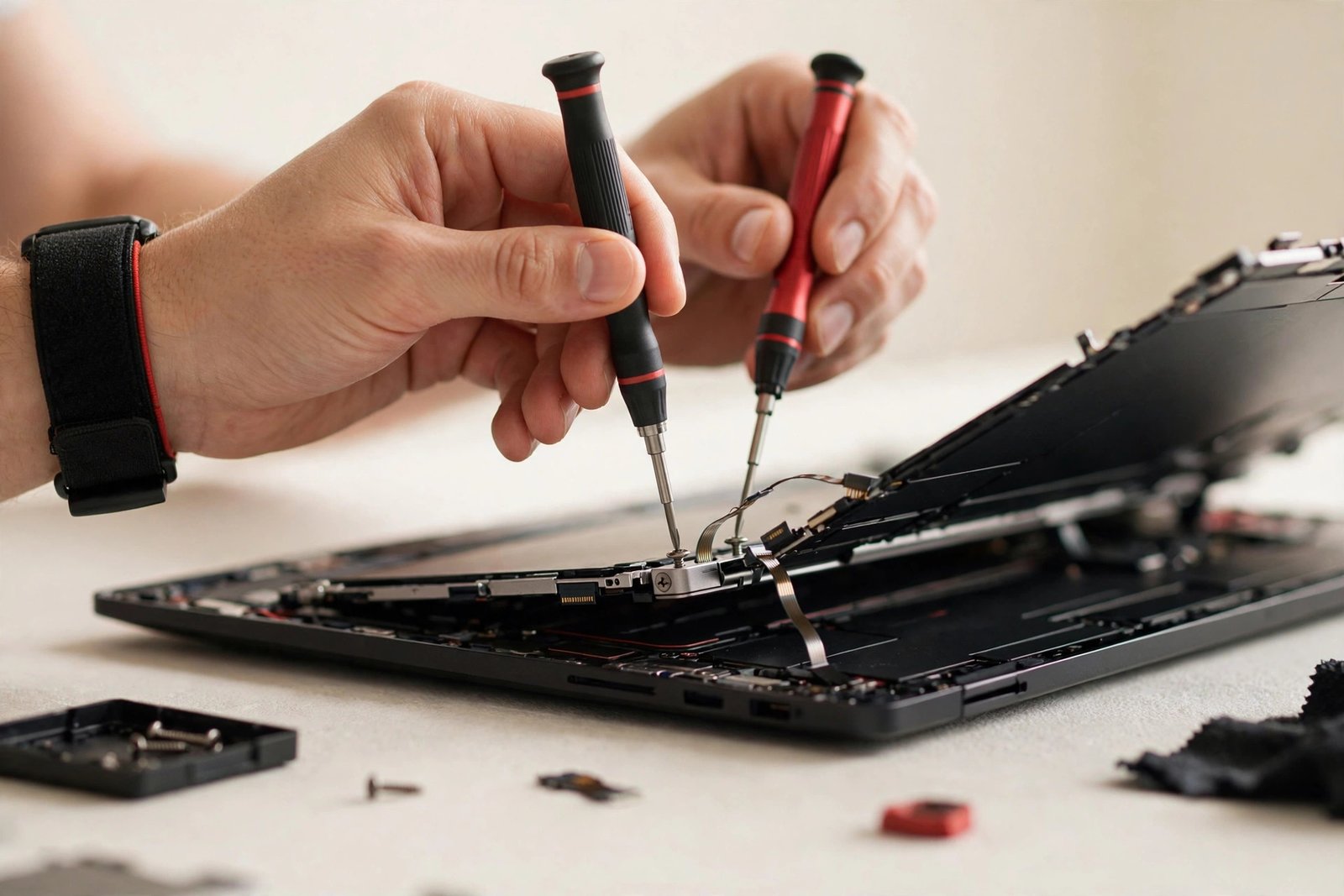
It comes down to what you’re actually replacing. A MacBook display isn’t just a panel — it’s a full assembly: the LCD or mini-LED panel, the backlight layers, the display cable running through the hinge, the webcam and microphone modules, the antenna wiring, and the aluminium lid itself, all bonded together at the factory. On most models the whole assembly gets replaced as a unit, which is why the part costs more than a phone screen.
Size matters too. A 16-inch mini-LED panel is simply more display than a 6-inch phone OLED — more materials, more complex backlighting, tighter manufacturing tolerances. Apple’s displays are also colour-calibrated at the factory to a standard most Windows laptops don’t attempt, which is part of why the replacement assemblies hold their value. The labour is real as well: a careful technician spends a couple of hours on disassembly, cable routing through the hinge, and reassembly — this isn’t a 30-minute phone job.
What’s Actually Replaced: Assembly vs Glass
Here’s something most shops won’t explain: on modern MacBooks, you generally can’t replace “just the glass” the way you can think about it. The display is a fused assembly, and attempting to separate the glass from the panel usually destroys the panel. So the standard, reliable fix is a complete display assembly replacement — new panel, new cables, new lid hardware, all factory-bonded.
That’s actually good news for reliability: you get essentially a brand-new display unit, not a patched one. Colours, brightness, and the webcam all come back to factory spec. The old assembly is recycled. Anyone quoting you a suspiciously cheap “glass-only” MacBook fix is either cutting corners or quoting a job with a high failure rate — ask exactly what’s being replaced before you agree to anything.
Will Your Data Be Safe?
Yes — and this is the question every MacBook owner asks first, so let’s put it to rest. A screen replacement doesn’t touch the logic board or the SSD where your data lives. Your files, apps, photos, and settings are exactly where you left them. We don’t need your password for a screen fix, though having it handy speeds up our post-repair testing (we’ll ask, never insist).
That said, the same advice applies as always: back up before any repair. Time Machine to an external drive takes a few clicks and protects you against the unexpected — not from the screen fix itself, but from life in general. If your MacBook won’t display anything at all, we can usually verify your data is intact by connecting an external monitor before we start work, so there are no surprises.
How to Tell Screen Damage from Something Worse
Not every display problem is a broken screen. If you see cracks or impact damage, it’s the screen — straightforward. But flickering, lines, or a display that works at certain lid angles and not others can be the display cable (which runs through the hinge and flexes every time you open the laptop) rather than the panel itself. Cable issues are typically cheaper to fix than full assemblies.
The quick test: connect your MacBook to a TV or external monitor. If the external display looks perfect, the logic board and graphics are fine and the problem is isolated to the built-in display assembly or its cable. If the external monitor shows the same glitches, it’s deeper — logic board or graphics — and we’ll diagnose it honestly before quoting anything. This five-minute check saves everyone from guessing.
When It’s NOT Worth Fixing
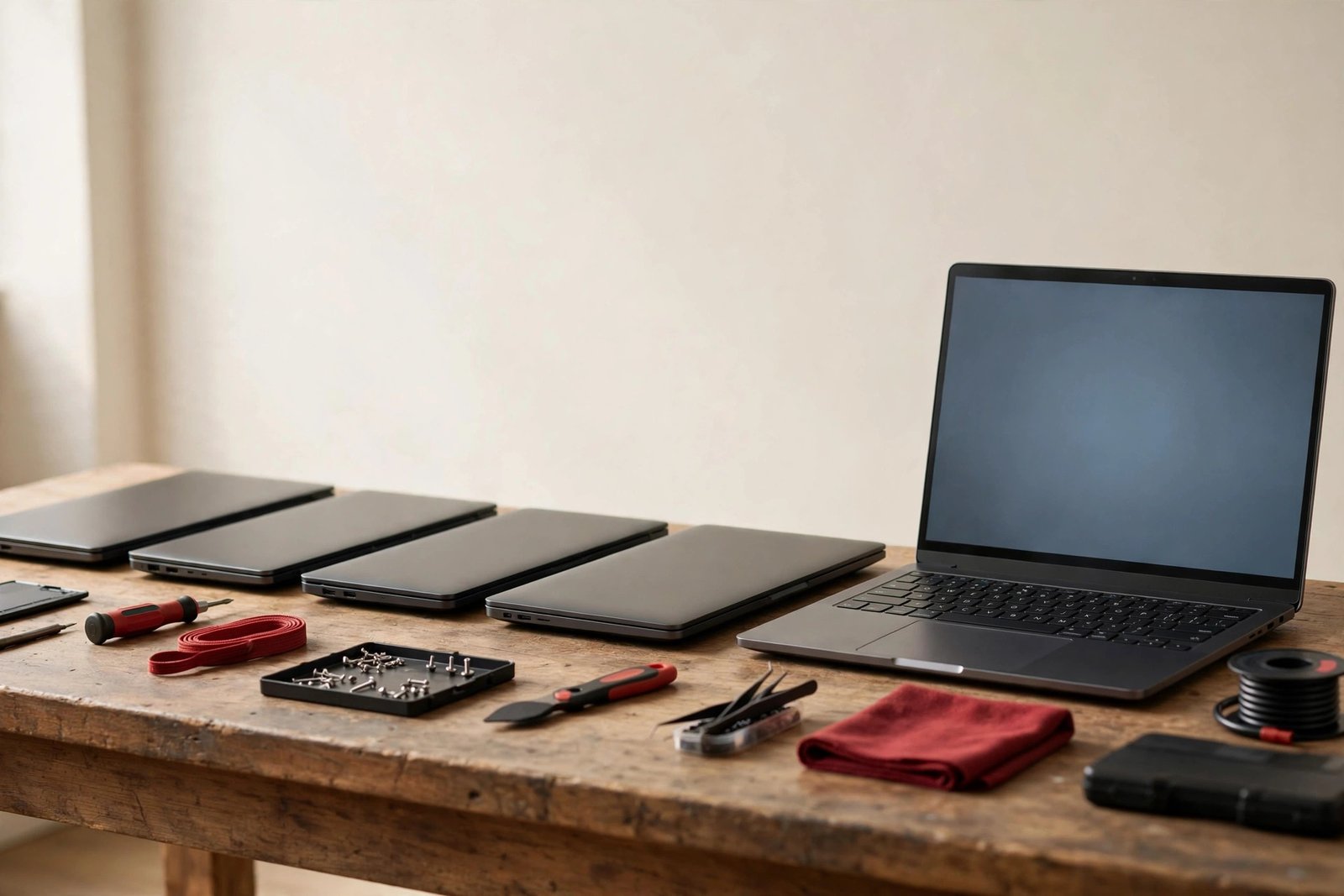
We’ll talk you out of a MacBook screen fix in one main scenario: when the machine itself is near the end of its useful life. A $199 screen on a 2015 MacBook Air that’s already struggling with modern macOS, has a dying battery, and can’t get security updates is money poured into a machine with months — not years — left. In that case we’ll say so plainly and suggest putting the money toward a refurbished M1 or M2 Air, which are genuinely excellent value right now.
The math that favours fixing: if your MacBook is an Apple Silicon model (M1 or newer) or a late Intel in good shape otherwise, a $129–$249 screen fix buys you years more life from a machine that would cost $1,300+ to replace. That’s one of the best value repairs in all of computing. We’ll help you run the numbers honestly — we’ve talked plenty of people out of repairs that didn’t make sense, and we’ll do the same for you.
Protecting Your New Screen
MacBook screens crack in depressingly predictable ways: something left on the keyboard when the lid closes (a pen is the classic killer), pressure from an overstuffed bag, or the laptop sliding off a couch arm. The keyboard-pen scenario alone accounts for a huge share of our MacBook screen jobs — develop the habit of checking the keyboard before you close the lid, every single time.
A padded sleeve helps, but how you carry matters more: don’t stack heavy books on the laptop, don’t carry it by the screen corner, and be careful with backpacks that compress. Unlike phones, there’s no practical screen protector for MacBooks that doesn’t risk damaging the coating — safe handling is the protection. The good news: treat it reasonably and a MacBook display lasts the life of the machine.
Frequently Asked Questions
How much does it cost to fix a cracked MacBook screen?
Typically $129–$249 in Georgetown depending on the model and screen size — MacBook Air 13″ models run $129–$199, while 14″ and 16″ MacBook Pro models run $199–$249. Call (647) 655-6969 with your exact model and year for a precise quote.
How long does a MacBook screen fix take?
Usually 1–3 days. The job itself takes a few hours of careful labour, but we quote 1–3 days to account for parts — common assemblies are in stock, less common ones may need ordering. Call ahead and we’ll confirm.
Will I lose my files during a screen replacement?
No. The screen assembly is completely separate from the logic board and SSD where your data lives. Everything stays exactly as it was. We still recommend a Time Machine backup before any repair, as good practice.
Can you replace just the glass on a MacBook?
On modern MacBooks, no — not reliably. The display is a factory-fused assembly, and separating the glass usually destroys the panel. The proper fix is a complete display assembly replacement, which restores the screen to factory condition including the webcam and cables.
My MacBook screen flickers but isn’t cracked. Is it the screen?
Possibly, but flickering that changes with the lid angle often points to the display cable running through the hinge rather than the panel itself — and cable fixes typically cost less than full assemblies. Connect an external monitor: if it’s perfect there, the issue is in the display assembly or cable. Bring it in and we’ll diagnose it.
Is it worth fixing the screen on an old MacBook?
On Apple Silicon Macs (M1 and newer) or healthy late-Intel models, almost always yes — $129–$249 beats $1,300+ for a new one. On a 2015-era machine with a dying battery and no more macOS updates, probably not; we’ll tell you honestly and suggest a refurbished upgrade path instead.
Does the fix come with a warranty?
Yes — every MacBook screen fix includes our 90-day warranty on the replacement assembly and our labour.
Do you fix Windows laptop screens too?
Absolutely — Windows laptop screens typically run $129–$249 as well, with 1–3 day turnaround. Same 90-day warranty, same honest diagnosis process.