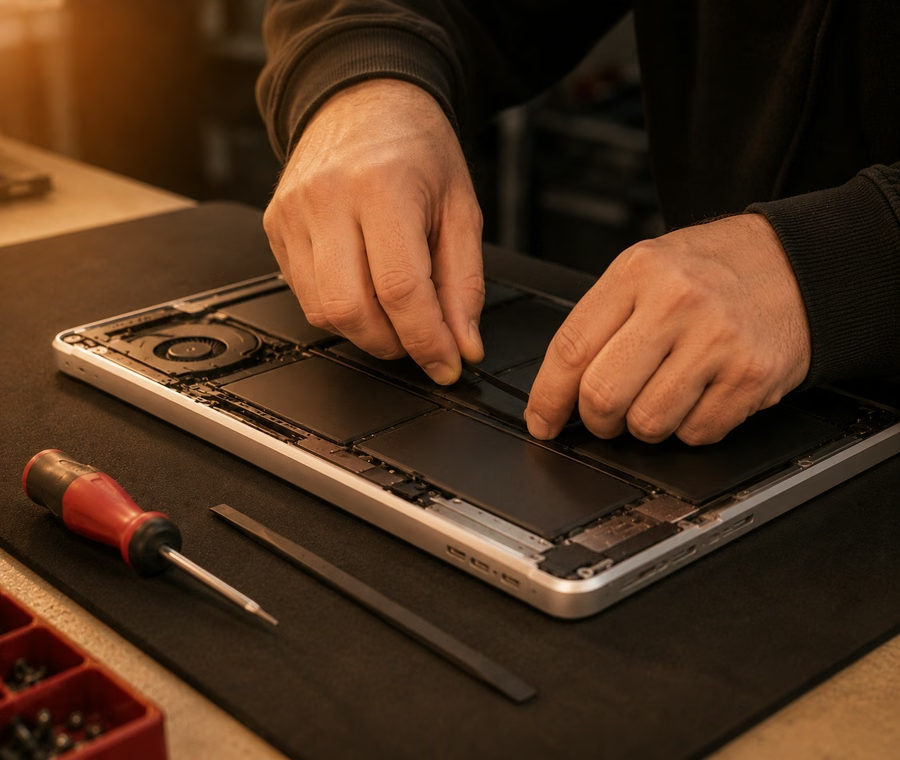
Times are typical, not promises — parts availability and hidden damage can change them. We confirm before starting.
| Job | Typical turnaround | Notes |
|---|---|---|
| Screen replacement | 1–3 days | Panel ordered to model |
| Keyboard replacement | 1–3 days | Part dependent |
| Clean and repaste | Same day | Often fixes throttling |
| SSD upgrade | Same day | Data cloned across |
| Virus clean-up | 1–2 days | Data left intact |
Usually not. Most 'slow' laptops are throttling from dust and dried thermal paste, or running a full drive. Both are cheap fixes.
Often yes, even when the machine won't boot. Bring it in and we'll assess the drive.
Yes — see the Apple Fix page for the detail on logic board and Retina display work.
Call, message, or walk in — we'll tell you what it needs and what it costs.
Laptops fail in predictable ways, and we've fixed thousands of them. Cracked screens and dead backlights, keyboards with missing keys or spill damage, swollen batteries, broken DC charging jacks, fans clogged with dust, and the classic "it was fine yesterday" slowdown. We work on Dell XPS, Inspiron and Latitude, HP Pavilion, Envy and Spectre, Lenovo ThinkPad and IdeaPad, ASUS, Acer and Microsoft Surface — and for MacBooks, see our dedicated Apple repair page.
A lot of "broken" laptops aren't broken at all. Sudden slowdowns are usually dust-choked fans and dried thermal paste making the processor throttle itself — a proper strip, clean and repaste brings most of them back to life the same day. And if your old spinning hard drive is the bottleneck, an SSD upgrade with your data cloned across makes a five-year-old laptop feel new again.
Laptop parts vary a lot by make and model, so these are starting points. We'll identify the exact part your machine needs and confirm the price before ordering anything — you'll never get a surprise on the bill.
| Service | Starting from |
|---|---|
| Laptop screen replacement | from $149 |
| Keyboard replacement | from $99 |
| Battery replacement | from $89 |
| SSD upgrade (parts & labour) | from $129 |
| Full internal clean & thermal repaste | from $79 |
Prices are estimates and vary by model and damage — contact us for a confirmed quote.
Most laptop jobs take one to three days, largely because screens and keyboards are ordered to your exact model. Cleans, repastes, SSD upgrades and software work are usually done the same day. We'll give you a realistic timeframe when you drop it off, and we'll call you if anything changes — you won't be left wondering.
Your files matter more than the hardware, so we treat every drive with care and clone your data across on upgrades. Every fix is covered by our warranty on parts and labour. Drop in at either our Georgetown or Acton shop, and we'll tell you what's wrong and what it'll take before spending a cent of your money.
Laptop screen replacements start from $149, but the exact price depends on the panel — size, resolution and whether it's a touchscreen all matter. Tell us the make and model (it's usually on a sticker underneath) and we'll price the exact part before ordering. Most screens take one to three days once the part arrives.
Yes, please — a backup is always the safest move before any repair. We handle every drive carefully, and on SSD upgrades we clone your data across so everything lands exactly where it was. But no shop can promise nothing will ever go wrong, so an external drive or cloud backup first is just good sense.
It depends on the job. Cleans, repastes, SSD upgrades and software fixes are usually same-day. Screens, keyboards and batteries typically take one to three days because parts are ordered to your exact model. We'll confirm a timeframe when you drop it off and keep you posted if anything changes.
Nine times out of ten, it's the DC jack inside the laptop working loose, not the charger — though we'll test both to be sure. Bring the laptop and the charger in together and we'll figure out which one is at fault. Jack repairs are a routine bench job and far cheaper than a new machine.
Yes — screens and batteries on most Surface models, though they're glued shut and take more care (and a little more time) than a standard laptop. Because parts are model-specific, call ahead with your Surface model so we can check availability and give you an honest timeframe.
 Tech Guys
The Tech Guys has two shops in Halton Hills — device fixes, printing and passport photos under one roof. Choose the branch nearest you and we'll connect your call.