
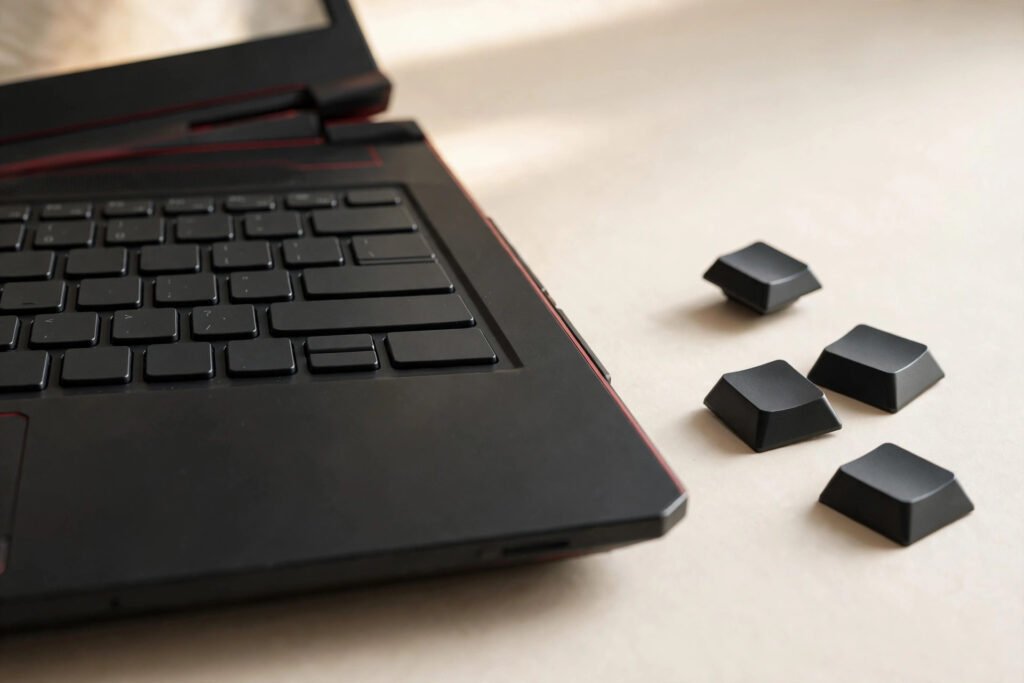
Laptop keyboard replacement in Georgetown typically costs $79–$149 depending on your laptop’s make and how the keyboard is built into it. Standard Windows laptops run $79–$129, while MacBooks and backlit gaming keyboards run $99–$149. At Tech Guys, most keyboard fixes are done in 1–2 days, and every fix includes a 90-day warranty on parts and labour.
If keys just stopped working, here’s the short version: try an external USB keyboard first — if that works fine, the problem is your laptop’s keyboard, not the system, and it’s fixable. Don’t pry keys off yourself; laptop key mechanisms are fragile and a $0 DIY attempt regularly turns into a full keyboard replacement. Bring it in and we’ll tell you in minutes whether it’s the keyboard, the ribbon cable, or something deeper.
Laptop Keyboard Replacement Prices by Laptop Type (Georgetown, 2026)
| Laptop Type | Typical Keyboard Fix Cost | Turnaround |
|---|---|---|
| Standard Windows laptop (Dell, HP, Lenovo, Acer, ASUS) | $79–$129 | 1–2 days |
| MacBook Air / Pro (2015 and older, replaceable keyboard) | $99–$149 | 1–2 days |
| MacBook (2016 and newer, keyboard riveted to top case) | $129–$149 | 2–3 days |
| Gaming / backlit keyboards (RGB, per-key lighting) | $99–$149 | 2–3 days |
| Chromebook keyboards | $79–$119 | 1–2 days |
Please note: all prices shown are estimates only, not confirmed prices. Final pricing may vary based on your device model, parts availability, and the extent of the issue. Contact us for a confirmed quote.
Why Do Some Keyboards Cost More Than Others?
It’s not the keys — it’s how the manufacturer attached them. Three things drive the price, and understanding them helps you spot an honest quote.
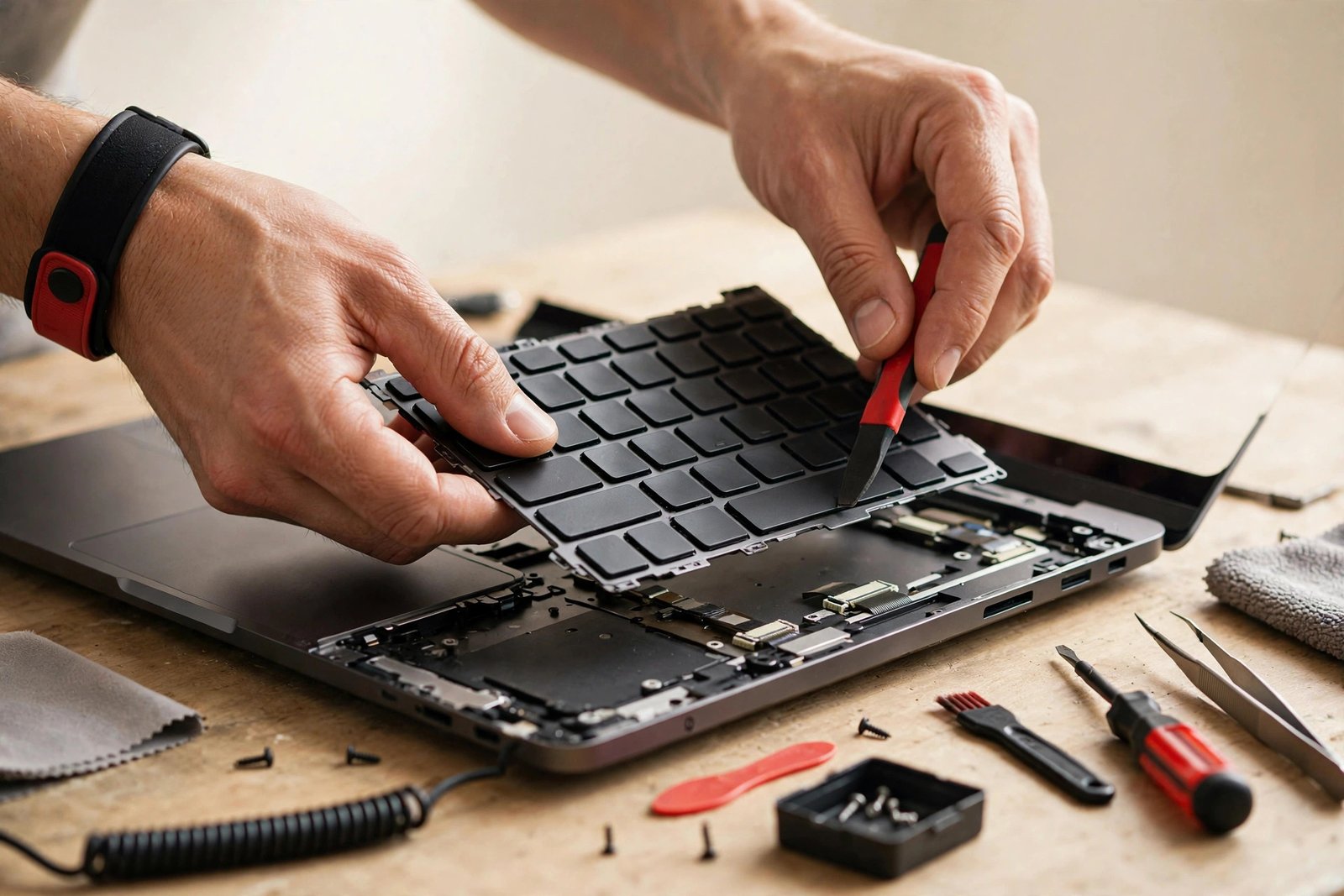
1. How the keyboard is mounted. This is the big one. Most Windows laptops use keyboards held in by screws or clips — a technician can swap one in under an hour. Apple went the other direction: from 2016 on, MacBook keyboards are riveted to the aluminium top case, so the “keyboard fix” often means replacing the entire top case assembly. More parts, more labour, higher price. It’s the design, not the shop.
2. Backlighting. A backlit keyboard has an extra lighting layer and a thinner, more delicate ribbon cable. The parts cost more and the installation needs more care. If your backlight still works but keys don’t, say so — it narrows down the fault.
3. Parts availability. Common Dell, HP, and Lenovo keyboards are stocked everywhere and cheap. Obscure models, older MacBooks, and gaming laptops with per-key RGB can need ordered parts, which adds a day or two and a few dollars.
Individual Keys vs. Full Keyboard: What’s Worth Fixing?
Everyone asks this: “Can’t you just replace the one broken key?” Sometimes, yes — and we’ll always try the cheap fix first.
If a single key popped off and the little scissor mechanism underneath is intact, we can often reseat or replace just that key cap. But if the mechanism is cracked, the key will never sit right again, and individual mechanisms for most models aren’t sold separately. A row of dead keys, on the other hand, almost always means the keyboard’s membrane or ribbon cable has failed — that’s a full keyboard replacement, no way around it.
Here’s our honest rule: if one key is the problem and the mechanism is intact, we’ll fix the key. If two or more keys are dead, or the same key keeps failing, the full keyboard is the fix that actually lasts. We’d rather sell you one lasting fix than three cheap ones.
What Actually Happens During a Keyboard Replacement?
People picture someone popping keys off with a screwdriver. The real process is more careful than that.
First we confirm the fault: external keyboard test, then we check the internal ribbon cable seating — about one in ten “dead keyboards” is just a loose cable, which is a quick reseat, not a replacement. Then the laptop comes apart: battery disconnected first (always), bottom panel off, and the keyboard unseated from its clips or screws. The new keyboard goes in, the ribbon cable seats with a proper lock (this is the step DIY videos skip — a half-seated cable gives you ghost keystrokes), and then we test every single key before the laptop goes back together.
For MacBooks with riveted keyboards, the process is longer: the old keyboard has to be de-riveted and the new one bonded to the top case. It takes patience, which is why the turnaround runs 2–3 days. We do it properly or not at all — a rushed MacBook keyboard fix comes back within a month.
Spill Damage and Keyboards: The Honest Truth
Coffee in the keyboard is the number one keyboard killer we see. Here’s what nobody tells you: the keyboard is often just the first casualty. Liquid seeps past the keys onto the motherboard, and corrosion keeps spreading for days after the spill.
If you spilled something, power the laptop off immediately, unplug it, flip it upside down, and bring it in — don’t try to “dry it out” for three days first. Every day of waiting is more corrosion. We’ll open it up, assess what’s actually damaged, and give you the real picture: sometimes it’s just the keyboard ($79–$149 and you’re done), sometimes the board needs work too. We’ll never sell you a keyboard fix when the board underneath is dying — that’s money in a hole.
How to Keep Your New Keyboard Alive
- Keep drinks on a separate surface. Not next to the laptop — on a different table. Spills are the top killer, full stop.
- Blow it out occasionally. Crumbs under keys cause sticking and eventually break mechanisms. A can of compressed air every few months does it.
- Don’t eat over it. See above. Your keyboard is not a plate.
- Close it gently. Slamming the lid stresses the hinges and the keyboard deck. It also traps debris between keys and screen.
When Is It NOT Worth Fixing?
We’ll talk you out of a keyboard fix when it doesn’t make sense:
- The laptop is 7+ years old and slow overall. A $129 keyboard on a laptop that takes five minutes to boot is polishing a relic. Put the money toward a replacement.
- Spill damage reached the motherboard. If the board is corroded and the laptop has other issues, a keyboard fix alone won’t save it. We’ll show you the corrosion and give you straight odds.
- The laptop is worth less than the fix. A $149 keyboard fix on a $120 Chromebook doesn’t add up. We’ll tell you that before you spend a dollar.
In every other case — a working laptop with a dead or damaged keyboard — fixing beats replacing, usually by hundreds of dollars.
Frequently Asked Questions
How much does laptop keyboard replacement cost in Georgetown?
Typically $79–$149 depending on the laptop. Standard Windows laptops run $79–$129; MacBooks and backlit gaming keyboards run $99–$149. Call (647) 655-6969 with your model number for an exact quote.
Can you replace just one key instead of the whole keyboard?
Sometimes. If the key cap popped off and the scissor mechanism underneath is intact, we can reseat or replace the single key. If the mechanism is broken or multiple keys are dead, the full keyboard needs replacing for a lasting fix.
How long does a keyboard replacement take?
Most take 1–2 days. MacBooks with riveted keyboards and gaming laptops needing ordered parts can take 2–3 days. We’ll give you an exact timeline when you bring it in.
My keyboard works but some keys type the wrong characters. Is that the keyboard?
Usually, yes — it’s a failing keyboard membrane. But first check you haven’t accidentally switched keyboard languages (Windows key + Space on Windows, or check Input Sources on Mac). If the layout is correct and keys still misbehave, it’s hardware.
Does the fix come with a warranty?
Yes — every keyboard fix includes a 90-day warranty covering the part and our labour.
Will I lose my data during a keyboard replacement?
No. A keyboard replacement doesn’t touch your storage. Your files, apps, and settings stay exactly as they were.
I spilled coffee on my keyboard. Is it ruined?
Not necessarily — but power it off immediately, unplug it, flip it over, and bring it in fast. The keyboard may need replacing ($79–$149), but the bigger question is whether liquid reached the motherboard. We’ll assess honestly before quoting.
Is it worth replacing the keyboard on an old laptop?
If the laptop is otherwise fast and healthy, yes — $79–$149 beats a new laptop. If it’s 7+ years old, very slow, or has other failing parts, we’ll tell you straight that the money is better spent on a replacement.