
MacBook battery replacement in Georgetown typically costs $79–$129 depending on the model — older MacBooks with screwed-in batteries sit at the lower end, while newer models with glued-in batteries sit at the higher end. At Tech Guys, most MacBook battery fixes are done in 1–3 days, and every fix includes a 90-day warranty on parts and labour.
If your MacBook dies at 40% or only works plugged in, here’s the short version: check the cycle count first (Apple menu → About This Mac → System Report → Power). Over 1,000 cycles means the battery is genuinely worn out — no setting or reset will bring it back. Under that, it might be a calibration or software issue, and we’ll check before quoting you a battery you may not need.
MacBook Battery Replacement Prices by Model (Georgetown, 2026)
| MacBook Model | Typical Battery Fix Cost | Turnaround |
|---|---|---|
| MacBook Air / Pro (2015 and older, screwed-in battery) | $79–$99 | 1–2 days |
| MacBook Air (2018–2020, glued-in battery) | $99–$129 | 1–3 days |
| MacBook Pro 13″ / 16″ (2016–2021, glued-in battery) | $109–$129 | 2–3 days |
| MacBook with M1/M2/M3 chip (battery paired to board) | $119–$129 | 2–3 days |
Please note: all prices shown are estimates only, not confirmed prices. Final pricing may vary based on your device model, parts availability, and the extent of the issue. Contact us for a confirmed quote.

Why MacBook Batteries Cost What They Do
It’s the glue. Apple started gluing MacBook batteries directly into the aluminium top case years ago, and every model since has followed. A screwed-in battery — like the 2015-and-older MacBooks — takes twenty minutes. A glued-in one takes over an hour of careful, patient work: adhesive softener, plastic cards, slow even pressure. Rush it and you puncture a lithium cell, which is how repair-shop fires happen.
That’s what you’re paying for at the higher end: not a fancier battery, but the skilled labour to remove the old one without drama. Any shop quoting you the same price for a glued battery as a screwed one is either cutting corners or hasn’t done one before. Ask how they remove the adhesive — if the answer isn’t specific, walk away.
Aftermarket vs. Original-Spec Batteries: What’s the Real Difference?
There are two tiers of replacement MacBook batteries, and any honest shop will tell you which one they’re quoting:
- Aftermarket — the budget option. Decent capacity, works fine for most people, costs the least. Quality varies by supplier, which is why we only use ones we’ve tested.
- Original-spec — matches Apple’s capacity and discharge curves. Costs more, behaves exactly like the battery that came with the machine.
Genuine Apple batteries aren’t sold to independent shops — anyone claiming “genuine Apple” for a MacBook battery replacement outside Apple is stretching the truth. We stock original-spec cells and explain the difference before you decide. Either way, the 90-day warranty covers it.
What Actually Happens During a MacBook Battery Replacement?
First we confirm the battery is actually the problem: cycle count, full-charge capacity versus design capacity, and whether macOS is reporting “Service Battery.” About one in five “dead battery” MacBooks that come in has a swollen battery — if yours is, stop using it and bring it in promptly; swollen cells press against the trackpad and can crack it.
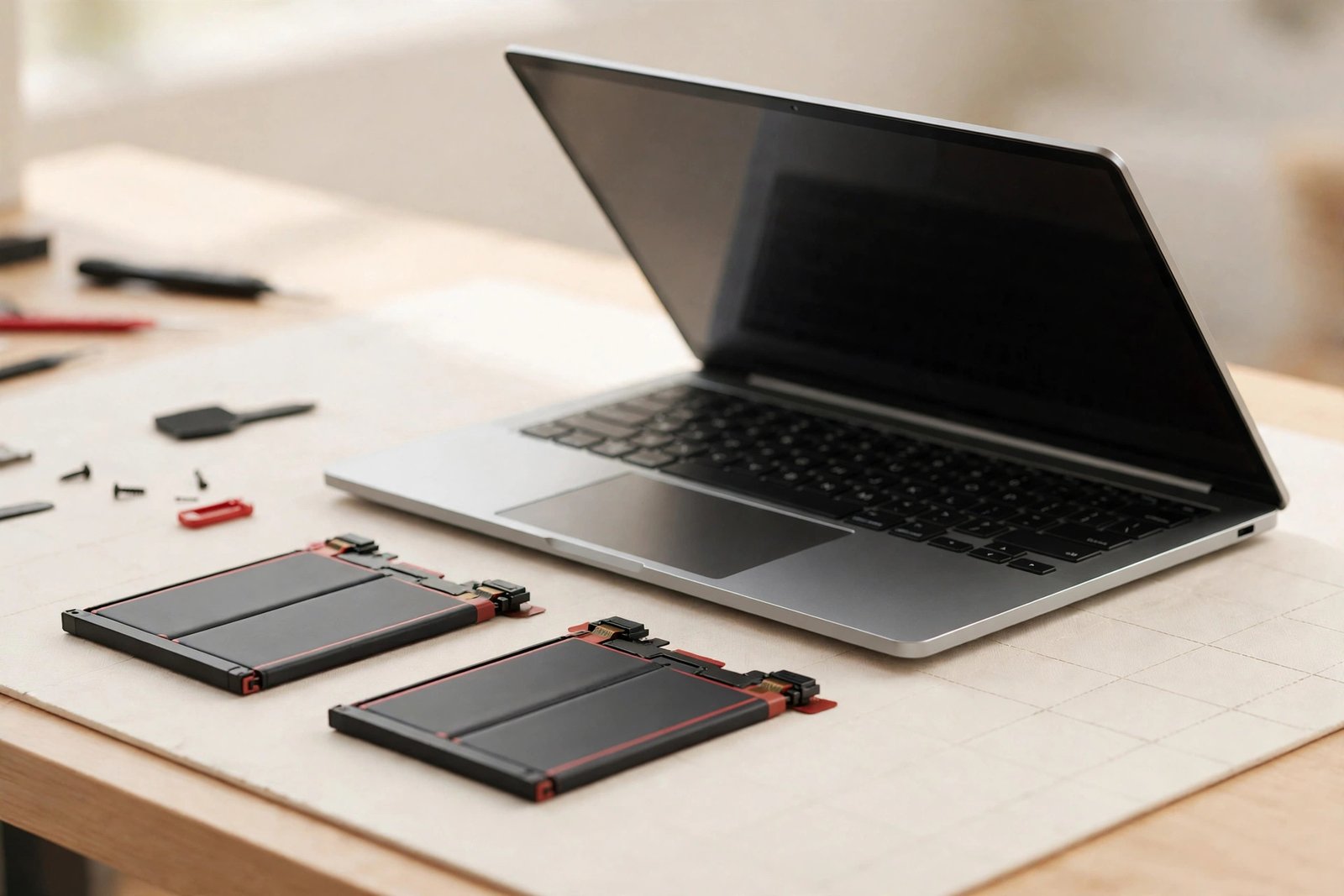
Then the MacBook comes apart: bottom case off, battery connector disconnected first (always — a live battery during disassembly is how boards get fried). For glued batteries, adhesive softener goes on, and the cells come out slowly with plastic cards — never metal tools. The new battery seats, adhesive strips bond it down, and then we calibrate: full charge, full discharge, full charge again, so macOS reads the new capacity correctly.
Signs Your Battery Actually Needs Replacing
- Dies at 30–50%. The classic worn-battery symptom. The percentage is lying; the cells are done.
- Only works plugged in. Shuts off the second you unplug. Battery’s done.
- “Service Battery” warning. macOS telling you straight.
- Swollen trackpad or case. The battery is expanding. This one is urgent — bring it in.
- Over 1,000 cycles. Apple’s rated lifespan. Past it, degradation accelerates.
If you’re under 1,000 cycles and seeing weird behaviour, it might be software — an SMC reset or a rogue background process. We’ll check before selling you a battery.
How to Make the New Battery Last
- Don’t live at 100% on the charger. If it’s docked all day, Apple’s optimized charging helps — leave it on.
- Avoid heat. Hot cars, radiators, direct sun. Heat ages lithium faster than anything except time.
- Update macOS. Apple keeps improving power management. Old OS versions waste battery.
- Check battery hogs. Activity Monitor → Energy tab. One bad app can halve your runtime.
When Is It NOT Worth Fixing?
We’ll talk you out of a MacBook battery fix when it doesn’t make sense:
- The MacBook is 10+ years old and can’t run a supported macOS. A $129 battery in a machine that can’t get security updates is money toward a problem, not a solution.
- It has a swollen battery AND a failing screen or board. One fix won’t save it. We’ll show you everything wrong and give you straight numbers.
- You were already shopping for a replacement. If the battery was the last straw, don’t let us talk you into $129 of denial. We’ll say so.
In every other case — a working MacBook with a worn battery — the fix buys you years for about a tenth of a new machine.
Frequently Asked Questions
How much does MacBook battery replacement cost in Georgetown?
Typically $79–$129. Older models with screwed-in batteries are $79–$99; newer models with glued-in batteries are $99–$129. Call (647) 655-6969 with your model and year for an exact quote.
How do I know if my MacBook battery needs replacing?
Check Apple menu → About This Mac → System Report → Power. Over 1,000 cycles, “Service Battery” warnings, dying at 30–50%, or a swollen trackpad all mean replacement time.
How long does a MacBook battery replacement take?
Most take 1–3 days. Glued-in batteries take longer because the adhesive removal can’t be rushed. We’ll give you an exact timeline when you bring it in.
Do you use genuine Apple batteries?
Genuine Apple batteries aren’t sold to independent shops. We use tested original-spec batteries that match Apple’s capacity, and we tell you exactly what you’re getting before you decide.
My MacBook battery is swollen. Is it dangerous?
Treat it seriously — stop using it, don’t puncture it, and bring it in promptly. A swollen battery can crack your trackpad and, in rare cases, is a fire risk. We handle swollen batteries safely every week.
Will I lose my data during a battery replacement?
No. A battery replacement doesn’t touch your storage. Your files and settings stay exactly as they were.
Does the fix come with a warranty?
Yes — every MacBook battery fix includes a 90-day warranty covering the part and our labour.
Is it worth replacing the battery on an old MacBook?
If it runs a supported macOS and is otherwise healthy, absolutely — $79–$129 buys years. If it’s over 10 years old, can’t update, or has other failing parts, we’ll tell you the money is better spent on a replacement.