
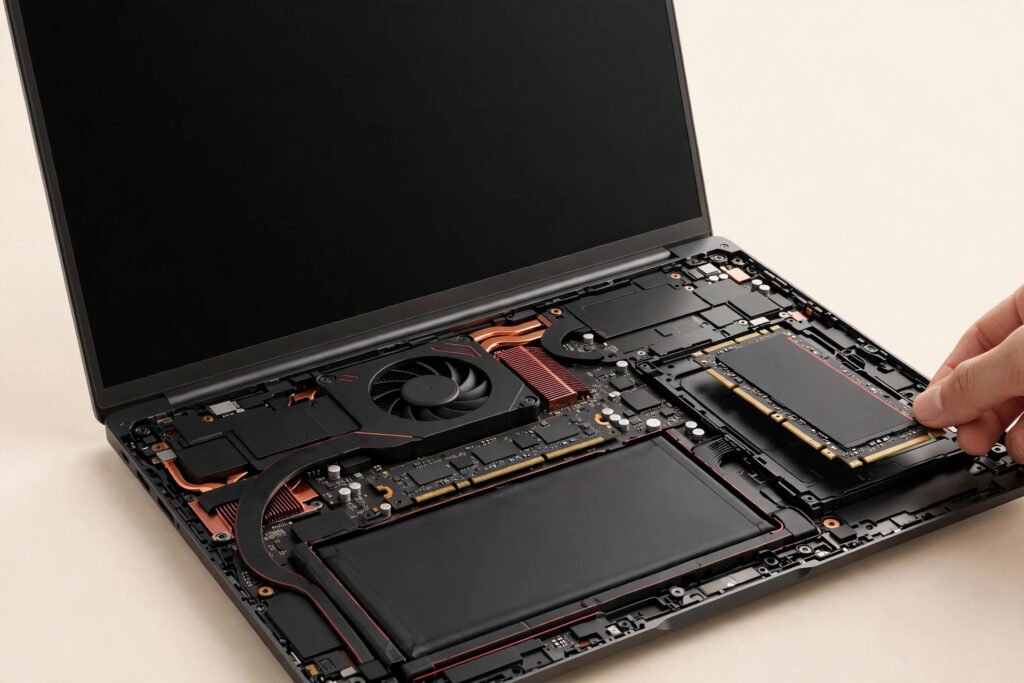
A professional SSD upgrade in Georgetown typically costs $60–$90 in labour plus the price of the drive itself — most people end up all-in for far less than a new laptop. The drive price depends on the size you need, and we’ll quote it exactly before doing anything. At Tech Guys, most SSD upgrades are done same-day, your files come across intact, and every fix includes a 90-day warranty.
If your laptop takes five minutes to start and groans opening a browser, here’s the short version: it’s almost certainly the old mechanical hard drive, not the whole laptop. An SSD upgrade is the single biggest speed boost you can give an aging machine — often making a 5-year-old laptop feel new. Don’t buy a new laptop until you’ve priced this first.
What an SSD Upgrade Typically Costs in Georgetown (2026)
| Upgrade Option | What You Get | Typical Turnaround |
|---|---|---|
| Standard SSD upgrade (common sizes) | New solid-state drive, your data cloned over, old drive returned to you — $60–$90 labour plus drive cost | Same day |
| SSD upgrade + fresh Windows install | New drive with a clean, bloat-free Windows setup instead of a clone — $60–$90 labour plus drive cost | Same day |
| SSD upgrade for MacBook (2015 and older, upgradeable models) | Compatible SSD fitted and data migrated — quoted per model | 1–2 days |
| SSD + RAM upgrade together | Both upgrades in one visit, one labour charge for the pair | Same day |
Please note: all prices shown are estimates only, not confirmed prices. Final pricing may vary based on your device model, parts availability, and the extent of the issue. Contact us for a confirmed quote.

Why Is Your Laptop Slow? (It’s Probably the Hard Drive)
Here’s what most people get wrong: they assume a slow laptop means a dying processor. It almost never does. Processors from the last decade are plenty fast for everyday work. The bottleneck is the mechanical hard drive — a spinning disk with a physical arm that has to seek every file. It’s 1950s technology doing a 2020s job.
An SSD has no moving parts. Everything is instant-access flash memory. That’s why the difference isn’t subtle — it’s the difference between a 4-minute boot and a 20-second boot, between Photoshop crawling and Photoshop snapping open. Same laptop, same processor, same RAM. Just a faster drive.
Quick test: if your laptop is slow at starting up, opening programs, and saving files but fine once things are running, that’s a dying-or-obsolete hard drive talking. An SSD upgrade fixes exactly that.
SSD vs. More RAM: Which Upgrade Actually Helps?
Shops love selling RAM because it’s easy. But for most slow laptops, RAM isn’t the problem. Here’s the honest breakdown:
- Slow boot, slow program launches, general sluggishness → SSD. This is the hard drive bottleneck. RAM won’t help.
- Fine speed, but everything stutters when you have 20 browser tabs open → RAM. That’s memory pressure. More RAM helps.
- Both symptoms → do the SSD first. It delivers 80% of the improvement for most people. Add RAM later if you still need it.
Bring it in and we’ll check both in about two minutes — Task Manager tells the whole story — and recommend only what you actually need. If an SSD alone will do it, we won’t sell you RAM too.
What Actually Happens During an SSD Upgrade?
First we check your laptop takes a standard drive (nearly all Windows laptops from the last 15 years do) and how much storage you’re actually using — no point paying for a 2TB drive when you use 200GB. Then the laptop comes apart, the old drive comes out, and the new SSD goes in.
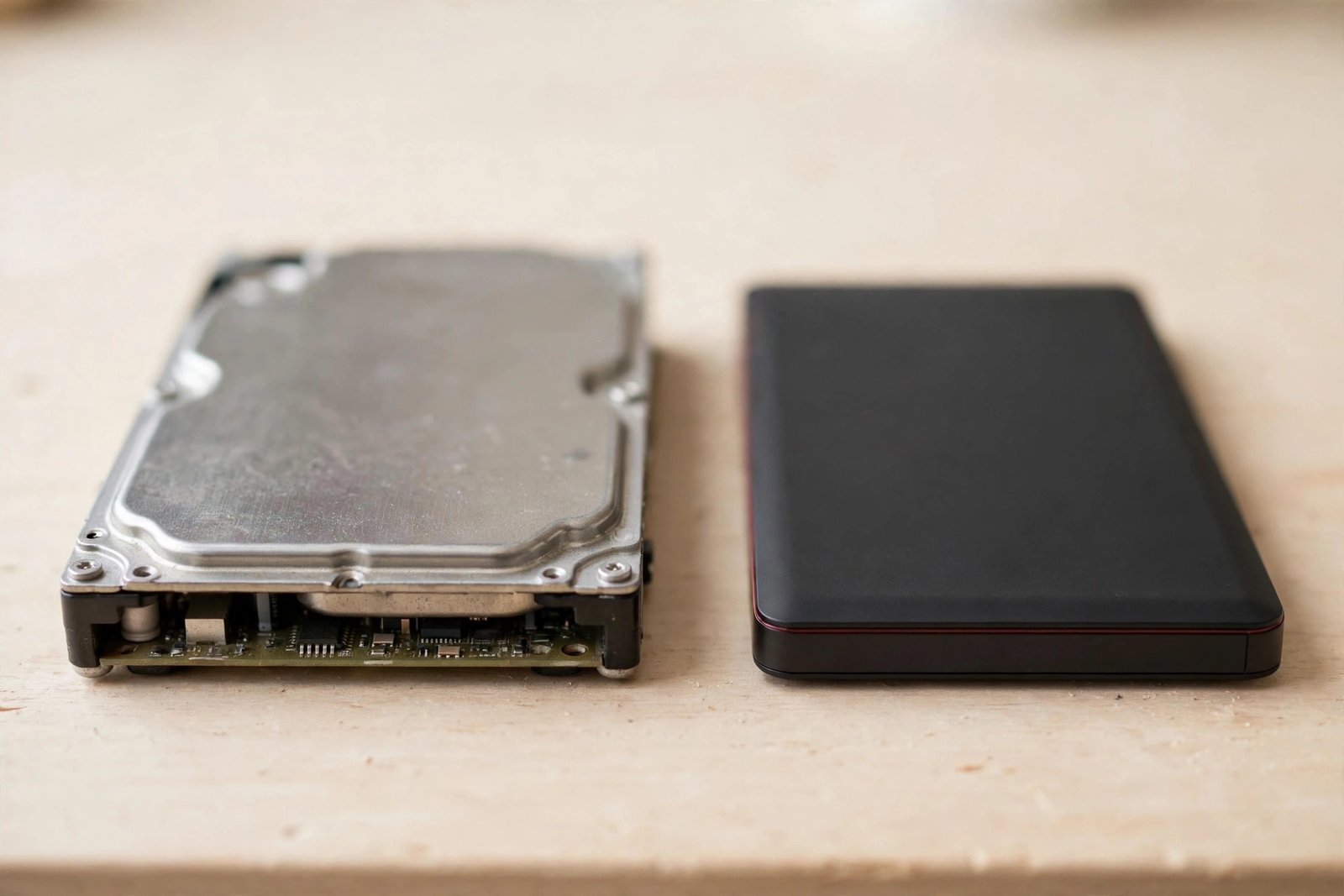
Then the important part: your data. We clone your existing drive sector-for-sector onto the SSD — Windows, programs, files, settings, passwords, everything exactly where you left it. You get your laptop back and it looks identical, just dramatically faster. Your old drive goes home with you as a backup. If you’d rather start fresh, we can do a clean Windows install instead — sometimes better for machines clogged with years of bloatware. Your call.
Will You Lose Your Files?
No — and this is the question that stops most people from upgrading, so let’s be blunt: a proper SSD upgrade doesn’t lose a single file. The clone copies everything. We’ve done thousands of these and the process is routine.
That said, “routine for us” doesn’t mean “risk-free to skip backups.” Drives usually get upgraded because they’re aging, and aging drives can fail during heavy operations like cloning. So before we touch anything, we verify your important files are safe — and if your old drive is already showing failure signs, we’ll tell you before we start, not after. Honest sequencing matters more than speed here.
How Much Faster Are We Talking? Real Numbers
Marketing loves vague claims, so here are the boring real ones we see every week:
- Boot time: 3–5 minutes → 15–30 seconds.
- Opening Word/Chrome: 20–40 seconds of bouncing icon → 2–3 seconds.
- Windows updates: the hour-long ordeal → done in minutes.
- Overall feel: clients routinely ask “did you replace something else too?” — no, just the drive.
The processor didn’t change. The RAM didn’t change. The drive was the bottleneck all along.
When Is It NOT Worth Upgrading?
We’ll talk you out of an SSD upgrade when it doesn’t make sense:
- The laptop has a failing motherboard or screen. A fast drive in a dying machine is lipstick on a pig. Fix the real problem first — or don’t.
- It’s a Chromebook or a sealed ultrabook with soldered storage. Some machines physically can’t take a new drive. We’ll check in two minutes and tell you straight.
- You need it for heavy gaming or video editing and the processor/GPU are the limit. An SSD won’t make a 10-year-old CPU edit 4K video. We’ll be honest about what the upgrade can and can’t do.
- The laptop is worth less than the upgrade. If the machine’s value is under the cost of drive plus labour, we’ll say so.
In every other case — a working laptop that’s just slow — an SSD upgrade is the best money you can spend on it, short of a new machine.
Frequently Asked Questions
How much does an SSD upgrade cost in Georgetown?
Labour runs $60–$90 plus the price of the drive itself, which varies by size. Most people end up all-in for far less than a new laptop. Call (647) 655-6969 with your laptop model for an exact quote.
Will I lose my files during an SSD upgrade?
No. We clone your old drive to the new SSD — Windows, programs, files, and settings all come across exactly as they were. Your old drive is returned to you as a backup.
How long does an SSD upgrade take?
Most are done same-day. Cloning a very full drive can take a few hours of machine time, but you typically get the laptop back the same day.
Can any laptop be upgraded to an SSD?
Nearly all Windows laptops from the last 15 years, yes. Some Chromebooks and ultrabooks have soldered storage that can’t be replaced, and some newer MacBooks too. Bring it in — we check in two minutes.
Should I upgrade the SSD or the RAM?
For slow boot and sluggish program launches, the SSD — it fixes the actual bottleneck for most people. For stuttering with many tabs open, RAM. We’ll check both and recommend only what you need.
Does the upgrade come with a warranty?
Yes — every SSD upgrade includes a 90-day warranty on parts and labour, on top of the drive manufacturer’s own warranty.
Can I keep my old hard drive?
Absolutely — it’s yours. We hand it back, and it makes a fine backup drive in a cheap enclosure.
Is it better to clone my drive or do a fresh Windows install?
Cloning keeps everything exactly as it was — best for most people. A fresh install is better if the machine is clogged with years of bloatware and you want a clean start. We’ll advise based on what we see.