
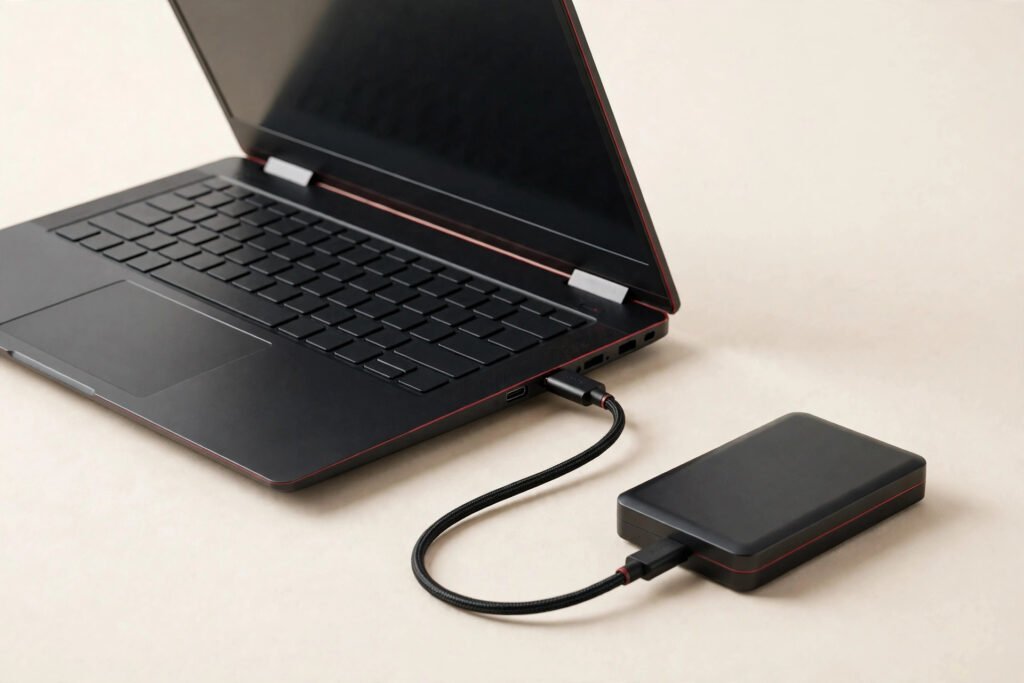
Laptop data recovery in Georgetown typically costs $129–$249+ depending on what’s wrong with the drive — straightforward logical recovery at the lower end, physically damaged drives at the higher end. At Tech Guys, every case starts with a free evaluation: we tell you honestly what’s recoverable and what it costs before you spend anything.
If your drive just died with everything on it, here’s the short version: stop using the laptop immediately. Every minute a failing drive runs risks overwriting the very data you’re trying to save. Don’t install “recovery software” onto the same dying drive, don’t keep rebooting it hoping it’ll come back, and definitely don’t open the drive yourself. Bring it in and let us assess it properly.
Data Recovery Prices by Situation (Georgetown, 2026)
| Situation | What It Involves | Typical Cost |
|---|---|---|
| Deleted files / formatted drive (drive healthy) | Software-level recovery from a working drive | $129–$169 |
| Windows won’t boot, drive readable | Drive removed and imaged, data extracted | $129–$179 |
| Failing drive (clicking, very slow, errors) | Careful sector-by-sector imaging with failing hardware | $179–$249 |
| Physically damaged drive (dropped, water) | Advanced recovery techniques, quoted after free evaluation | $249+ |
| Dead SSD with no detection | Component-level work, honest assessment first | Quoted per case |
Please note: all prices shown are estimates only, not confirmed prices. Final pricing may vary based on your device model, parts availability, and the extent of the issue. Contact us for a confirmed quote.
What “Data Recovery” Actually Means
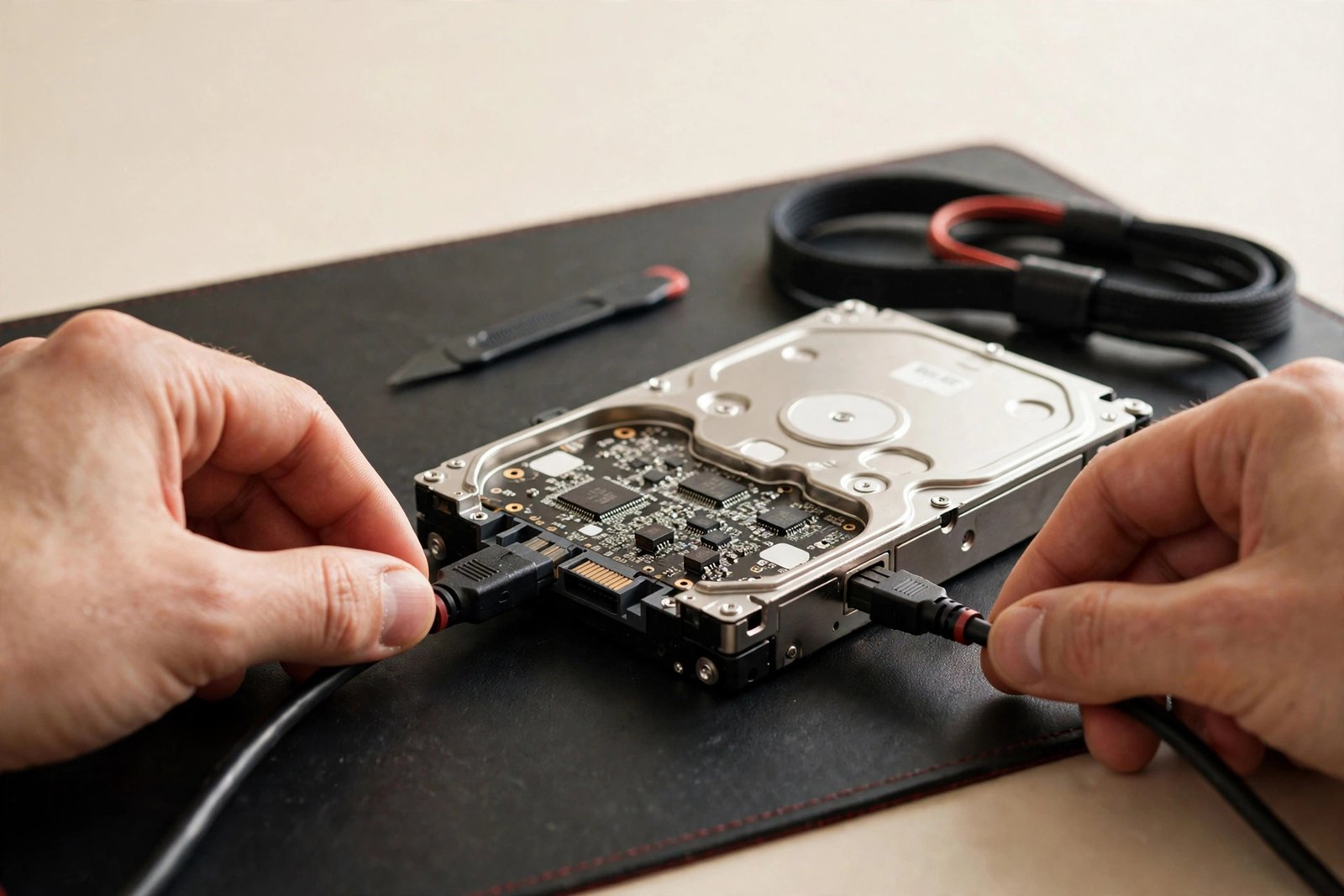
People imagine something cinematic. The reality is methodical: your data is magnetic patterns (or electrical charges, on SSDs) on a physical medium. “Recovery” means reading those patterns when the normal pathways — the operating system, the file table, the drive’s own controller — can’t.
Here’s what surprises most people: deleting a file doesn’t erase it. It just marks the space as available. The data sits there until something overwrites it. That’s why “stop using the drive immediately” is the golden rule — every new file, every boot, every Windows update risks writing over your deleted photos. The sooner you stop, the more we recover. Time is literally data.
Deleted Files vs. Dead Drive: Very Different Jobs
Not all data loss is equal, and the fix (and price) depends on which kind you’re facing:
- Deleted files, healthy drive ($129–$169). The easiest case. The drive works fine; the file table just lost track. We image the drive and reconstruct. High success rate if you stopped using it quickly.
- Corrupt system, readable drive ($129–$179). Windows is broken but the drive is fine. We pull the drive, read it externally, copy your files. Straightforward.
- Failing drive ($179–$249). Clicking, grinding, or agonizingly slow. The drive is dying while we read it. This is skilled work — imaging has to prioritize your most important data first, because the drive may not survive a full pass.
- Physically damaged ($249+). Dropped, soaked, or fire-damaged. Quoted individually after we see it. Sometimes possible, sometimes not — we’ll never charge you to find out which.
What Actually Happens During Data Recovery?
First, the free evaluation: we assess the drive’s condition — is it detected, is it readable, what’s the failure mode? Then you get the honest version: what’s recoverable, what it costs, and the odds. No approval, no work.
If you approve, step one is always imaging: we make a complete sector-by-sector copy of your drive and work from the copy, never the original. This is the step amateurs skip, and it’s the difference between professional recovery and permanent loss. From the image, we reconstruct the file system, carve out deleted files, and extract everything readable. You get your files back on a new drive or USB — organized, verified, and complete as the recovery allows.

The Honest Odds (and When We Tell You It’s Gone)
We’ll never sell false hope, so here’s how it really breaks down:
- Deleted files, drive healthy, stopped using it fast: excellent odds. Most of it comes back.
- Formatted drive, minimal use since: very good odds. Formatting barely touches the data.
- Failing drive, still detected: good odds for most files. Some sectors may be unreadable — we’ll tell you what’s missing.
- Drive not detected at all: honest odds. Depends on whether it’s the controller, the motor, or the platters. Free evaluation tells us which.
- Overwritten data: gone. If new files wrote over the old ones, no technology brings them back. We’ll verify rather than guess.
- Encrypted drive + lost password: effectively gone. We don’t break encryption, and anyone who promises to is lying.
How to Never Need Us Again: Backups That Actually Happen
Every data recovery job ends with the same conversation, so let’s have it now:
- Turn on automatic cloud backup. OneDrive, Google Drive, iCloud — pick one, set it, forget it. The best backup is the one you never think about.
- Keep one external copy of what matters. Photos, documents, the stuff you’d cry over. An external drive on a shelf beats hope.
- The 3-2-1 rule: three copies, two different media, one offsite. Sounds paranoid until the day it saves you.
- Test your backup once. A backup you’ve never restored from is a theory, not a backup.
When Is It NOT Worth Attempting?
We’ll talk you out of data recovery when it doesn’t make sense:
- The “lost” files exist elsewhere. Cloud copies, email attachments, a spouse’s phone with the same photos. We check the obvious first — free.
- The drive was fully overwritten. New OS installed over the old data, drive zeroed. We’ll verify, but overwritten is overwritten.
- Recovery costs more than the data’s worth to you. A $249 recovery for files you barely remember isn’t a good trade. Only you can make that call — we’ll give you the price first.
- It’s someone else’s encrypted data. We don’t break encryption, full stop.
In every other case — your files, your drive, not yet overwritten — the free evaluation means you risk nothing finding out.
Frequently Asked Questions
How much does laptop data recovery cost in Georgetown?
Typically $129–$249+ depending on the situation. Deleted files and bootable-drive extraction run $129–$179; failing drives $179–$249; physically damaged drives $249+. Evaluation is always free. Call (647) 655-6969.
Can you recover deleted files?
Usually yes — deleting a file just marks its space as available; the data remains until overwritten. Stop using the drive immediately and bring it in. The less you’ve used it since deletion, the more we recover.
My laptop won’t turn on. Is my data gone?
Almost certainly not. A dead laptop usually means a dead system, not a dead drive. We remove the drive, read it externally, and copy your files. This is one of our most common jobs.
How long does data recovery take?
Evaluation is same-day. Simple recoveries take 1–2 days; failing drives take longer because imaging has to go slowly to avoid killing the drive mid-read. We’ll give you a timeline after evaluation.
Will you look at my personal files?
No. We verify recovery by file counts, types, and spot-checking that files open — we don’t browse your photos or documents. Your privacy is part of the job.
Can you recover data from a physically damaged drive?
Sometimes. Dropped or water-damaged drives are assessed free, and we’ll give you honest odds before quoting. Some are recoverable, some aren’t — we never charge to find out which.
What if you can’t recover my data?
We’ll tell you that during the free evaluation, before you spend anything. We don’t do exploratory paid attempts on hopeless cases.
Should I try recovery software myself first?
Careful — installing recovery software onto the dying drive can overwrite the very files you’re trying to save. If the data matters, stop using the drive and bring it in. If you insist on DIY, install the software on a different computer and never write to the affected drive.