
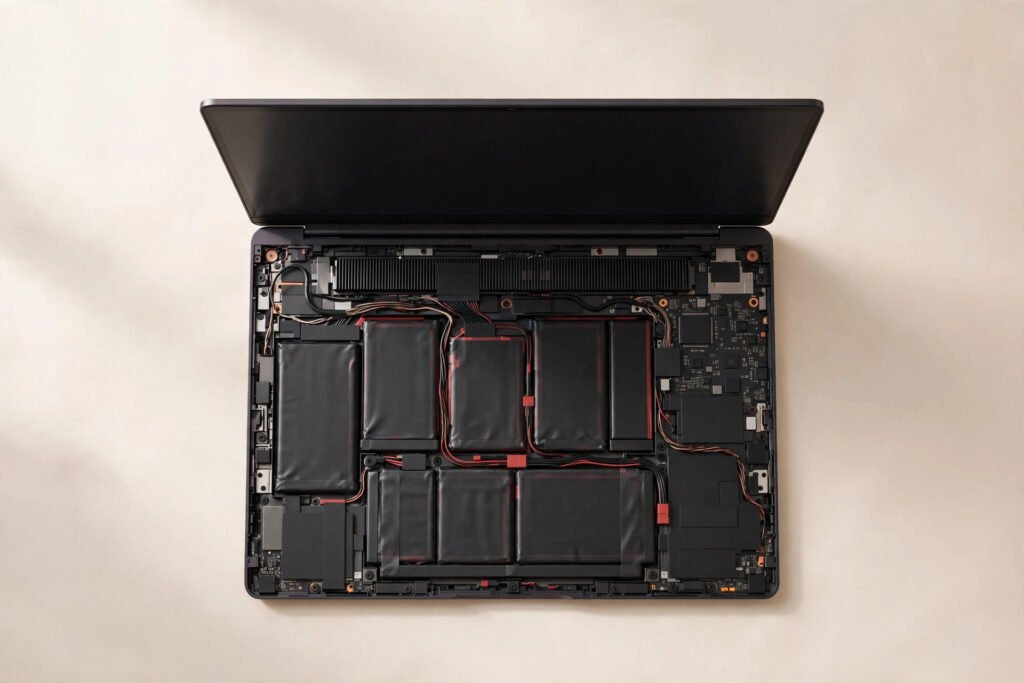
A laptop battery replacement in Georgetown typically costs $79–$129 depending on whether your model has a removable battery or a sealed internal one, with most jobs finished in 1–3 days. Every battery fix includes our 90-day warranty on parts and labour.
The short version: if your laptop dies the moment you unplug it, or the battery report shows it holding less than half its original charge, a new battery will make it feel like a new machine — for about a tenth the price of replacing the laptop. But check one thing first: a swollen battery (trackpad popping up, case separating) is a safety issue, not just an annoyance. Stop using it and read the safety section below.
Laptop Battery Replacement Prices (Georgetown, 2026)
| Service | Typical Cost | Turnaround |
|---|---|---|
| Windows laptop battery (internal) | $79–$119 | 1–2 days |
| MacBook battery (internal) | $89–$129 | 1–3 days |
| Chromebook / ultrabook battery | $79–$109 | 1–2 days |
| Battery health diagnostic | Free with any fix | ~15 minutes |
Please note: all prices shown are estimates only, not confirmed prices. Final pricing may vary based on your device model, parts availability, and the extent of the issue. Contact us for a confirmed quote.
Signs Your Battery Is Actually Dying (vs Something Else)
Batteries don’t usually die overnight — they fade, and the symptoms are distinctive. The classic sign is runtime collapse: a laptop that used to last six hours now dies in ninety minutes. You’ll also see sudden shutdowns at 20–30% charge (the battery’s gauge is lying because the cells can’t deliver), the charge percentage jumping erratically, or the laptop only working while plugged in.
Before assuming the battery, rule out the impostors. A laptop that’s slow and hot with the fan screaming usually needs thermal service ($60–$90), not a battery — though the two often arrive together on older machines. A machine that won’t charge at all might have a charger or charging circuit issue instead. We run a free battery health diagnostic that reads the actual cell wear level, so you’ll know for certain whether it’s the battery or something else before spending anything.
Swollen Batteries: Read This Before Anything Else
If your trackpad is bulging upward, the keyboard feels raised, or the bottom case is separating at the seams, stop using the laptop immediately and don’t charge it. That’s a swollen lithium battery, and while it’s not going to explode on its own, it’s a genuine fire risk — puncturing or stressing it is dangerous.
Do not try to remove a swollen battery yourself, do not poke it, and don’t put the laptop in the trash (or recycling bin — swollen batteries need proper handling). Bring it to us as-is and we’ll remove and replace it safely; we handle swollen batteries regularly and dispose of them through proper channels. A swollen battery replacement falls in the same $79–$129 typical range — the safety handling doesn’t add a surcharge, because doing it right is just how the job is done.
Internal vs Removable: Why It Changes the Job
Older laptops and some business models have removable batteries — slide a latch, swap the pack, done in minutes. But most laptops made in the last decade have internal batteries glued or screwed inside, which means opening the machine. The price difference is mostly labour: internal jobs run toward the higher end of the $79–$129 range. MacBook batteries, always internal and often heavily glued, sit at $89–$129.
What Actually Happens During the Replacement
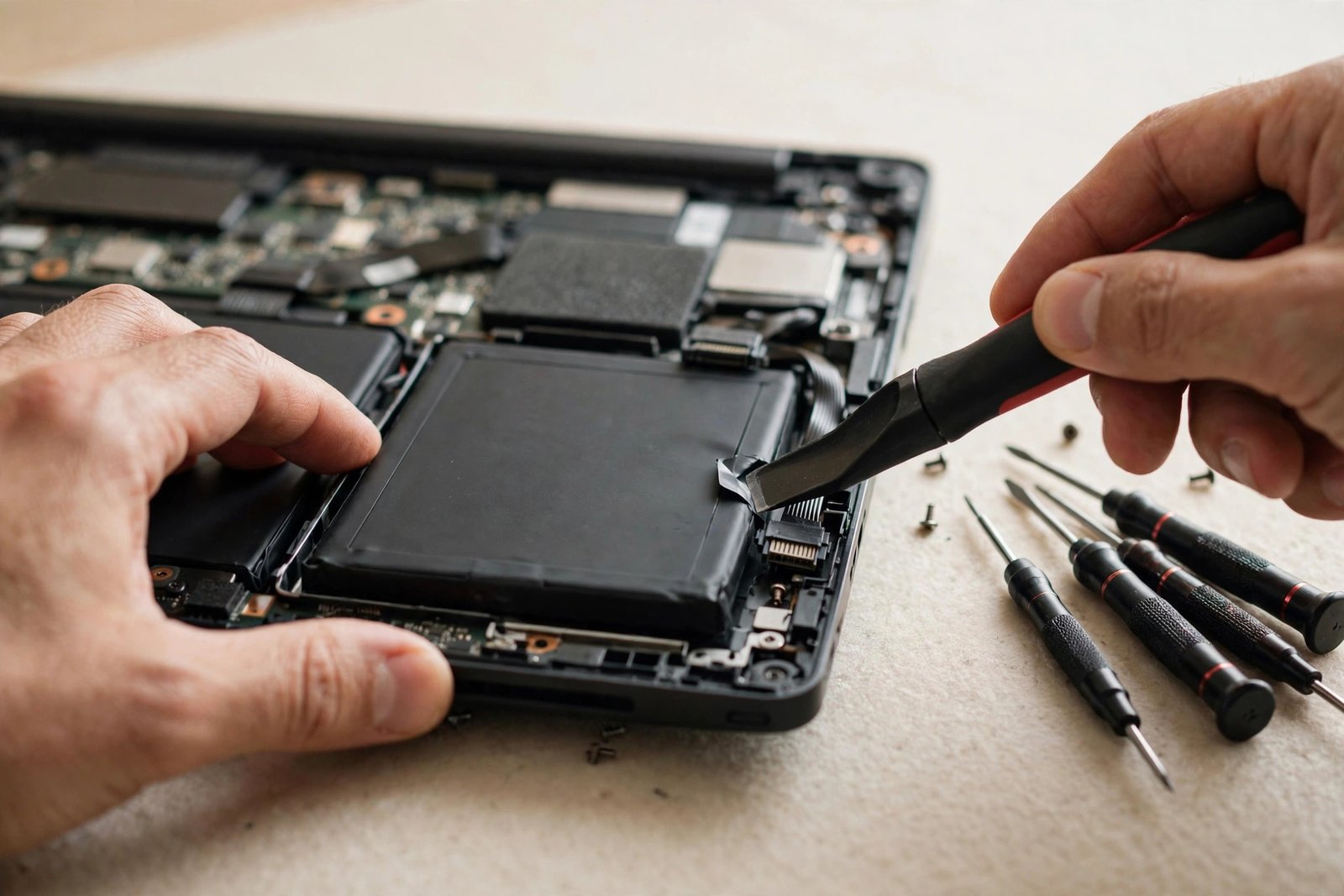
After the free diagnostic confirms the battery is the problem, we source the correct pack for your exact model — battery fitment is model-specific, and the wrong pack is worse than useless, so we verify by part number, not guesswork. The laptop is opened, the old battery disconnected and removed (adhesive models get careful, patient treatment — rushing this step is how cases get bent), and the new battery is installed and connected.
Then comes the part many shops skip: calibration and testing. We charge the new battery fully, verify the system reports correct capacity, and run it through a discharge cycle to confirm it holds charge properly and the machine behaves at low percentages. You pick up a laptop that runs unplugged like it should, with a 90-day warranty on the battery and our work. Most jobs are done in 1–2 days; less common batteries may need ordering, which can stretch it to three.
The Calibration Myth (and What Actually Helps)
You’ve probably read that you should fully drain your battery monthly to “calibrate” it, or never charge past 80%, or only use the original charger. Let’s separate truth from ritual. Modern lithium batteries with modern operating systems manage themselves well — Windows and macOS both have adaptive charging that learns your routine. Monthly full drains are a leftover from the nickel-battery era and do nothing for lithium; if anything, deep discharges stress the cells.
What genuinely extends battery life: avoiding constant 100% charge while plugged in 24/7 (use your OS’s battery limiter if it offers one), keeping the laptop cool (heat is the real battery killer), and not storing the laptop dead for months. Beyond that, just use it normally.
When It’s NOT Worth Replacing the Battery
We’ll talk you out of this one in two situations. First, the swollen-battery-plus-ancient-laptop combo: if the machine is eight years old, painfully slow, and the battery is swelling, the honest advice is often to migrate your data to something newer rather than revive the patient. We’ll help you with the data either way.
Second, when the battery isn’t the real problem. If the diagnostic shows the battery is at 85% health and the actual issue is a failing hard drive or 4GB of RAM in 2026, a new battery won’t fix anything — and we’ll tell you that instead of selling you one. What we won’t do is replace a battery on a machine with a dying motherboard and call it fixed. The free diagnostic exists precisely so you only pay for the fix you actually need.
Making the New Battery Last
Once you’ve got a fresh battery, a few habits keep it healthy for years. If your laptop lives on a desk, enable the battery charge limiter (usually in BIOS or the manufacturer’s app) — holding at 80% for desk duty dramatically slows wear. Keep vents clear and consider that thermal service if the fan runs constantly; a cool battery is a long-lived battery.
For MacBooks, optimized charging does this automatically — leave it on. For Windows machines, most manufacturers now include a similar feature buried in their utility app. And the simplest advice of all: use the battery. Lithium cells kept at 100% on a charger for a year straight degrade faster than cells that cycle normally. Plug in, unplug, repeat — that’s what they’re built for.
Frequently Asked Questions
How do I know if my laptop battery needs replacing?
The telltale signs: runtime has collapsed (dies in an hour or two unplugged), sudden shutdowns at 20–30% charge, erratic percentage jumps, or it only works while plugged in. We run a free diagnostic that reads actual cell wear, so you’ll know for certain before spending anything.
Is it safe to use a laptop with a swollen battery?
No — stop using it and don’t charge it. A swollen lithium battery is a fire risk if punctured or stressed. Don’t try to remove it yourself. Bring the laptop to us as-is; we remove and dispose of swollen batteries safely all the time, and replacement falls in the normal $79–$129 range.
How long does a laptop battery replacement take?
Most are done in 1–2 days. The job itself takes an hour or two including calibration testing; the range accounts for parts — common batteries are in stock, unusual ones may need ordering (up to 3 days).
Will I lose my files when the battery is replaced?
No. The battery is completely separate from storage — your files, apps, and settings are untouched. As always, a backup before any repair is good practice, but battery replacement poses essentially zero data risk.
Can I replace my laptop battery myself?
If it’s a removable pack with a latch, yes — that’s a 30-second job. If it’s internal (most modern laptops), it’s doable but fiddly: tiny screws, fragile ribbon cables, and often strong adhesive. One slipped spudger can damage the board. For $79–$129 with a warranty, most people sensibly let us handle it.
Why does my new battery drain faster than the original did?
It shouldn’t, noticeably. If a fresh battery underperforms, either it’s a low-quality cell (we don’t install those) or something else is draining power — a runaway background process, a failing drive keeping the system busy, or heat issues. Bring it back within the 90-day warranty and we’ll sort it out.
Should I leave my laptop plugged in all the time?
It’s better to use your OS’s battery limiter (cap at 80%) if the laptop lives on a desk — constant 100% charge accelerates wear. Without a limiter, it’s still fine to stay plugged in most of the time; just let it cycle down occasionally. Modern batteries and operating systems manage this far better than old ones did.
Does the battery replacement come with a warranty?
Yes — 90 days on the battery and our labour. If the new battery misbehaves within 90 days, we make it right.