
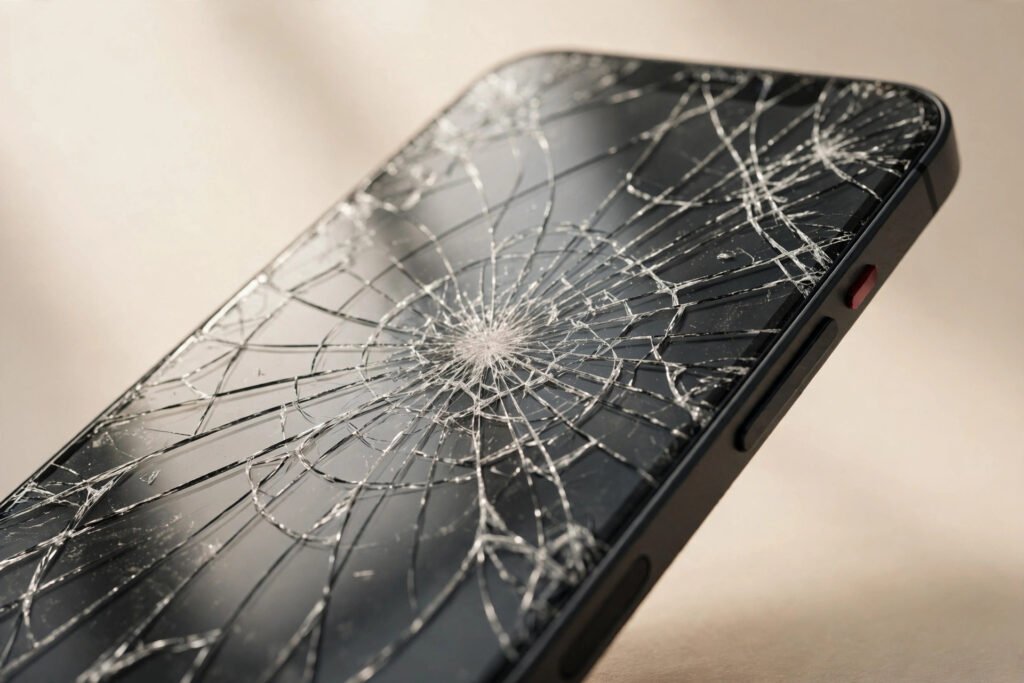
A cracked phone screen fix in Georgetown typically costs $89–$299 depending on your model — but what you do in the first ten minutes after the crack matters more than what you pay later. The right moves right now protect your data, stop the damage spreading, and keep a cheap fix from turning into an expensive one.
Here’s the short version: don’t touch the broken glass with bare fingers, don’t keep using it like nothing happened, and back up your data today — cracked screens have a nasty habit of dying completely without warning. Read the ten-minute plan below, then decide on the fix when you’re ready. Most screens at Tech Guys are fixed in 30–90 minutes while you wait.
What a Screen Fix Costs (When You’re Ready)
| Service | Typical Cost | Turnaround |
|---|---|---|
| iPhone screen fix (by model) | $89–$299 | 30–90 min |
| Samsung screen fix (by model) | $99–$329 | 30–90 min |
| iPhone back glass fix | $99–$199 | 1–2 hours |
| Tempered glass protector (installed) | $15–$25 (free with any screen fix) | 5 min |
Please note: all prices shown are estimates only, not confirmed prices. Final pricing may vary based on your device model, parts availability, and the extent of the issue. Contact us for a confirmed quote.
Minutes 0–2: Stop, Assess, Don’t Touch the Glass
The moment it happens, resist the urge to run your thumb across the crack to “check how bad it is.” Cracked glass — especially the tiny shards around the impact point — can flake off and embed in skin. Pick the phone up carefully by the edges, and if the glass is visibly loose or flaking, set it screen-down on a soft surface while you think.
Now assess: is the touch screen still responding? Open an app, swipe around, type a few characters. If touch works everywhere, the damage is likely limited to the outer glass — the cheapest scenario. If there are dead spots, flickering lines, or black blotches spreading from the impact point, the display panel underneath is damaged too. Either way, note what you see; it helps us quote accurately. And if the phone got wet as well as cracked — rain, a puddle, a sink — power it off immediately and skip the rest of this list until it’s been checked. Water plus a cracked screen is the one combination where waiting genuinely makes things worse.
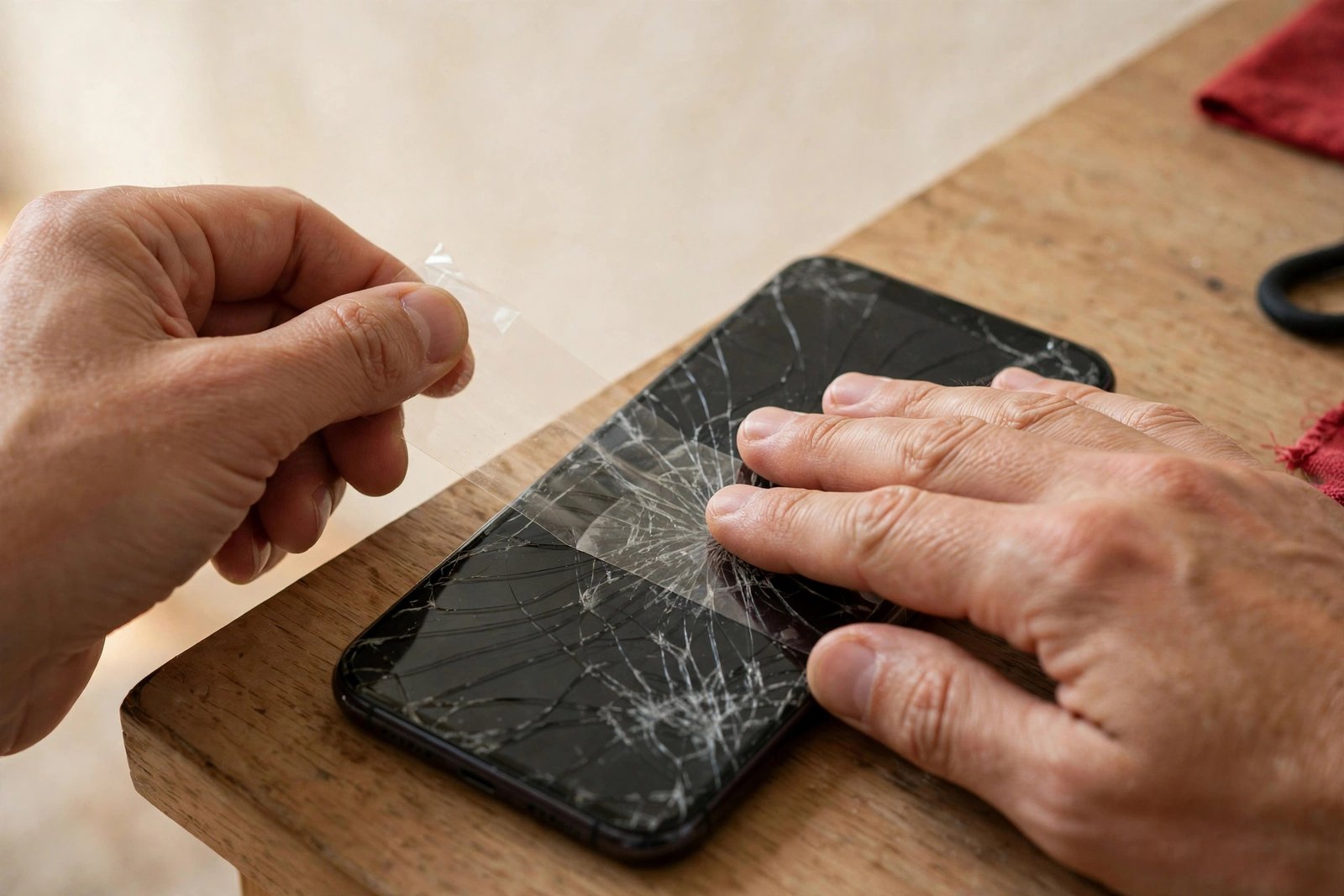
Minutes 2–5: Stabilize It So It Can’t Get Worse
A cracked screen is structurally compromised, and every flex, bump, and temperature swing can extend the cracks. The single best thing you can do right now is apply clear packing tape over the broken area — it holds loose glass in place, keeps moisture and dust out of the cracks, and stops the spiderweb from spreading. Smooth it on gently; don’t press hard on the damaged spot.
If you have a phone case, put it on (or keep it on). A case with a raised lip does more than look nice — it keeps the broken glass from contacting surfaces and absorbs the small knocks that turn a corner crack into a full-screen shatter. And from this moment on, treat the phone like it’s fragile, because it is: no back pockets, no tossing it on the car seat, no face-down drops onto the counter.
Minutes 5–10: Back Up Your Data Right Now
This is the step everyone skips and regrets. A cracked screen can go from “working fine” to “totally unresponsive” with one more unlucky bump — sometimes for no apparent reason, as damaged display layers fail progressively. If that happens before you’ve backed up, your photos and messages are trapped behind a screen you can’t operate.
So do it now while the phone still works. On iPhone, run iCloud Backup over Wi-Fi (Settings → your name → iCloud → Back Up Now). On Android, confirm Google One backup is current. Ten minutes today saves heartbreak no repair shop can undo — we can fix glass, but we can’t recover photos from a phone you can’t unlock.

What NOT to Do (Ignore the Internet Myths)
The internet is full of cracked-screen “hacks” and nearly all of them are useless or harmful. Toothpaste does not fill cracks — it just makes a mess. Screen “repair” liquids and UV glue kits can’t restore structural integrity and often seep into the display layers, turning a straightforward glass replacement into a full display replacement. Superglue is even worse; it bonds unevenly and makes professional repair harder.
Also skip the hairdryer trick (heat can damage the battery and warp the display) and don’t keep using the phone heavily “until it gets worse.” Light, careful use with tape over the damage is fine for a few days.
How to Tell If It’s Just the Glass or the Display Too
This distinction drives the price, so it’s worth understanding. Modern phone screens are a fused stack: outer glass, touch digitizer, and the display panel (LCD or OLED) laminated together. On most phones they’re replaced as one unit, but the symptoms tell you how bad the damage is.
Glass-only damage: you see cracks but colours look normal, brightness is even, touch works everywhere. Display damage: black or coloured blotches (like ink spreading), bright or dark lines, flickering, or touch dead zones. OLED screens bruise more visibly than LCDs — a purple-green blotch is the telltale sign. Bring it in and we’ll confirm with a quick inspection before quoting.
When to Fix It Today vs When It Can Wait a Few Days
Fix it today if: the glass is flaking, touch is failing, the display shows spreading blotches, or the phone is your work lifeline. These situations deteriorate — a same-day 30–90 minute fix beats a dead phone tomorrow. It can wait a few days if it’s a clean hairline crack with perfect touch and display, taped and backed up. But don’t wait weeks: moisture creeps through cracks and corrodes connectors, and delay often doubles the eventual cost.
How the Actual Fix Works (30–90 Minutes)
When you bring it in, we confirm the damage, quote you a fixed price, and get to work. The phone is opened with controlled heat to soften the adhesive, the damaged display assembly is disconnected and removed, and a new assembly — your choice of aftermarket or original-spec — is fitted, with the front sensors and cameras carefully transferred. Everything is tested (touch, display, brightness, True Tone where applicable) before the phone is resealed.
Most people wait in the shop or grab a coffee nearby. You leave with a phone that looks and works like new, a fresh tempered glass protector installed free if you ask, and a 90-day warranty on the fix.
Frequently Asked Questions
Should I keep using my phone with a cracked screen?
Lightly and carefully for a few days is okay if touch and display work and you’ve taped the crack — but don’t make it a long-term plan. Cracks spread with heat and flexing, moisture gets in, and the screen can fail suddenly. Back up your data now and plan the fix within a week or two.
Will the crack spread if I don’t fix it?
Almost certainly, eventually. Temperature changes, pocket pressure, and normal flexing all extend cracks over time. A taped, cased phone in gentle use can hold a hairline crack stable for a while, but every cracked screen we’ve seen “wait a few months” came back worse — and more expensive — than it started.
Can I fix a cracked screen myself with a kit?
Technically yes, practically it’s risky. Modern phones need heat, prying tools, and careful handling of fragile flex cables and waterproof seals. DIY kits have a meaningful failure rate — torn cables, dust under the new screen, lost water resistance. A professional fix costs $89–$299, takes under 90 minutes, and carries a warranty. For most people that’s the better deal.
Does a cracked screen void my warranty?
Physical damage isn’t covered under the manufacturer’s standard warranty anyway, so there’s nothing to void in the usual sense. If you have AppleCare+ or carrier insurance, check your accidental-damage terms before paying out of pocket — but compare their deductible and turnaround against a $89–$299 local fix first.
Will I lose my data when the screen is replaced?
No. Screen replacement doesn’t touch storage — everything stays as it was. That’s exactly why we nag about backing up first: the risk isn’t the repair, it’s the cracked screen dying on its own before you get it fixed.
How do I stop glass shards from falling out?
Clear packing tape over the damaged area, applied gently. It holds everything together and keeps tiny shards out of your fingers. Replace the tape if it starts peeling. This is a stopgap, not a solution — get the screen fixed.
Is a screen protector enough protection after the fix?
A tempered glass protector ($15–$25 installed, free with any screen fix at our shop) plus a case with a raised lip is the combination that actually prevents repeat cracks. The protector absorbs the impact that would otherwise break the real display. It’s the cheapest insurance in the phone world.
My screen cracked but everything works perfectly. Do I really need to fix it?
Not today, but soon. A working cracked screen is living on borrowed time — moisture ingress and crack spread are cumulative. Tape it, back it up, case it, and book the fix within a couple of weeks. Waiting until it dies completely risks your data and usually costs more.