

Business card printing in Georgetown typically costs $49–$139 for standard cards depending on quantity. 250 cards run $49–$79, 500 run $69–$99, and 1,000 run $89–$139. Premium finishes like foil or spot UV run $129–$229 per 500. At Tech Guys Print & Sign, most orders are ready in 2–4 days, with next-day rush available.
If you need cards fast, here’s the short version: 500 standard cards is the sweet spot for most businesses — cheap enough per card, and you won’t run out in a month. Bring us a print-ready file (or just your logo and text — we’ll lay it out), and avoid the classic mistake of tiny 7pt text that nobody over 40 can read. The rest of this guide breaks down what you’ll pay, what drives the price, and how to get cards that actually win work.
Business Card Printing Prices in Georgetown (2026)
| Quantity & Finish | Typical Cost | Turnaround |
|---|---|---|
| 250 standard (16pt matte or gloss) | $49–$79 | 2–3 days |
| 500 standard (16pt matte or gloss) | $49–$99 | 2–3 days |
| 1,000 standard (16pt matte or gloss) | $89–$139 | 3–4 days |
| 500 premium (32pt, soft-touch laminate) | $99–$149 | 3–5 days |
| 500 foil / spot UV / embossed | $129–$229 | 5–7 days |
| Rush service (next-day) | +$25–$50 | Next day |
Please note: all prices shown are estimates only, not confirmed prices. Final pricing may vary based on your device model, parts availability, and the extent of the issue. Contact us for a confirmed quote.
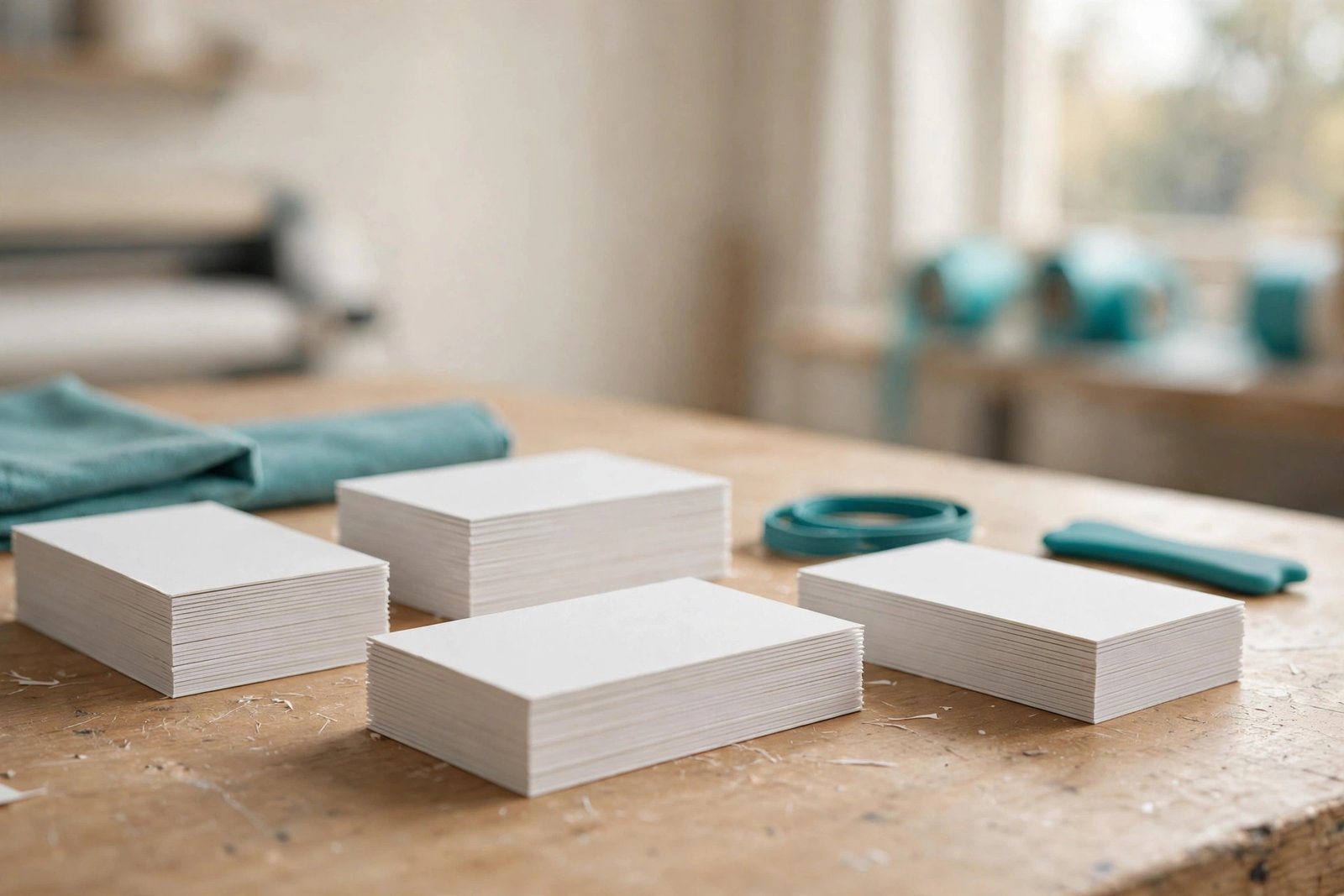
Why Do Business Card Prices Vary So Much?
Three things drive the cost, and understanding them keeps you from overpaying:
1. Quantity. This is the big one. The setup — calibrating the press, cutting, and finishing — costs the same whether we print 250 or 1,000. That’s why doubling your order from 250 to 500 barely moves the price. If there’s any chance you’ll need more within a few months, order up.
2. Paper stock. Standard 16pt card stock is sturdy and professional — it’s what most businesses use. Stepping up to 32pt with soft-touch laminate roughly doubles the paper cost, but the card feels dramatically more premium in the hand. For most trades and services, standard stock is plenty.
3. Finishing. Foil stamping, spot UV gloss, embossing, and rounded corners each add a production step. One premium finish is a tasteful upgrade; stacking three of them doubles your cost for diminishing returns. Pick one.
Standard vs. Premium: What Are You Actually Paying For?
Here’s the honest breakdown of what each tier gets you:
Standard (16pt, matte or gloss) is the workhorse. Thick enough to feel substantial, prints beautifully in full colour, and at $69–$99 for 500 it’s the best value in printing. Roughly 80% of our business card orders are standard stock, and nobody has ever lost a job because their card wasn’t thicker.
Premium (32pt, soft-touch) feels like a credit card with a velvety finish. It makes an impression at networking events and suits businesses where perception matters — realtors, designers, consultants. The jump from $89 to $129 for 500 is modest for what you get.
Foil / spot UV / embossed is the showpiece tier. Gold foil on a dark card, or a gloss logo that catches the light on matte stock — beautiful, memorable, and genuinely effective for luxury positioning. Just know you’re paying for craftsmanship: these are multi-pass jobs, which is why they take 5–7 days.
The honest advice: match the card to the customer. A plumber with foil-stamped cards looks like he’s overcharging; a financial advisor with flimsy cards looks like he’s struggling. Standard stock with great design beats premium stock with bad design every time.
How Many Cards Should You Order?
This is where most people guess wrong:
- 250 — enough for a slow quarter or a one-off event. Fine if your details change often (new phone number coming? job title in flux?).
- 500 — the sweet spot. Lasts most small businesses 3–6 months of normal networking. Best balance of cost and longevity.
- 1,000 — for established businesses with stable details who network regularly. The per-card cost drops to under 14 cents, but don’t order 1,000 if you’re rebranding next quarter.
The expensive mistake isn’t ordering too many — it’s ordering 250, running out mid-quarter, and reordering 250 again at nearly the same setup cost. Two small orders almost always cost more than one big one.
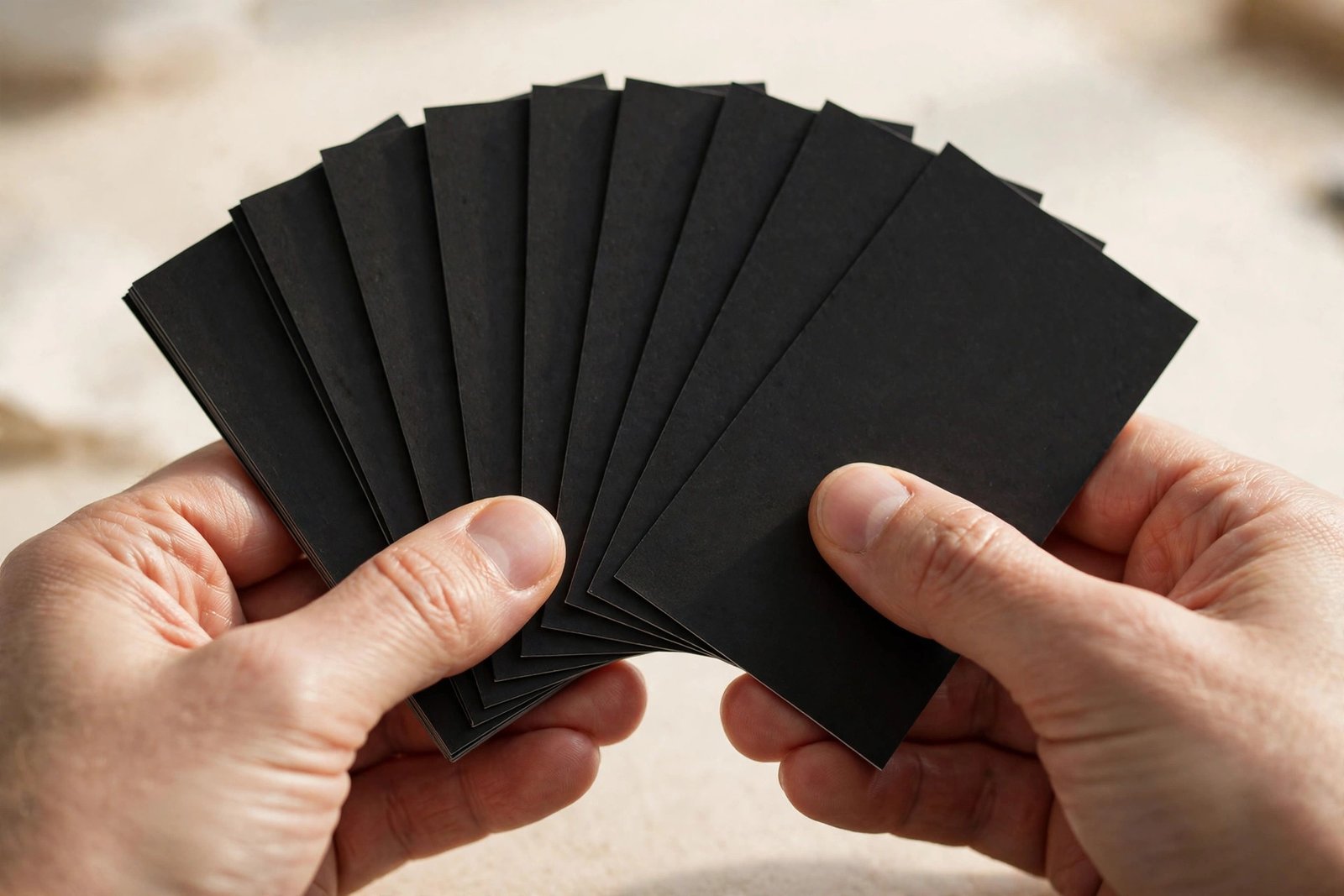
Design Tips That Make Cheap Cards Look Expensive
You don’t need a designer budget to get a card that looks like you had one. These are the rules we give every customer:
- One message per side. Front: who you are. Back: what you do and how to reach you. Cards crammed with six services, three phone numbers, and a QR code look desperate.
- Minimum 8pt text, 10pt for contact details. The number-one design sin we see is microscopic text. If a customer needs reading glasses to find your number, the card failed.
- Leave white space alone. Empty space isn’t wasted space — it’s what makes the important stuff readable. A card with 40% empty space looks confident; a full-bleed wall of text looks cheap.
- Dark backgrounds need care. White text on black looks sharp on screen but shows every fingerprint and scuff in real life. If you go dark, choose matte laminate.
- Proofread like your business depends on it. Because it does. We catch typos in customer files weekly — a wrong digit in a phone number turns 500 cards into recycling.
No designer? Bring us your logo and text and we’ll lay it out — basic layout is included with every order.
Our Process: From File to Finished Cards
Here’s what happens after you approve your order:
1. File check. We verify your file is print-ready — correct size (3.5″ × 2″ with bleed), high-resolution images, fonts embedded or outlined. If something’s off, we fix minor issues free rather than printing a bad card.
2. Proof. You get a digital proof to approve before anything prints. Check the spelling, the phone number, the colours. Nothing runs until you sign off.
3. Print and finish. Cards are printed full-colour, then cut, and finished per your order — laminate, foil, UV, rounded corners, whatever you chose.
4. Quality check and pickup. We check the stack before it leaves the shop. Most orders are ready in 2–4 days; rush orders in 24 hours.
When Is It NOT Worth Paying More?
We’ll talk you out of upgrades that don’t serve you:
- Foil on a card that lives in a wallet. Foil is gorgeous, but wallets are abrasive. If your cards spend their life in a back pocket, the foil wears — spend the money on thicker stock instead.
- 1,000 cards before your details are final. New business, might change your number, considering a rebrand? Order 250 now and 1,000 later. The reprint costs less than the waste.
- Embossing on tiny text. Embossed 6pt taglines are unreadable. Premium finishes need bold, simple elements to work.
- Paying rush fees you don’t need. If your event is next week, standard turnaround gets them to you with days to spare. Rush fees are for genuine emergencies, and we’ll tell you when you don’t need one.
Frequently Asked Questions
How long does business card printing take?
Standard orders are ready in 2–4 days. Premium finishes like foil or embossing take 5–7 days because they’re multi-pass jobs. Next-day rush is available for standard cards for a $25–$50 rush fee.
What file format should I send?
A print-ready PDF at 3.5″ × 2″ with 0.125″ bleed is ideal. We also accept high-resolution PNG or JPG files and AI/EPS/PDF from designers. If your file isn’t print-ready, we’ll fix minor issues free or lay the card out from your logo and text.
What’s the difference between matte and gloss?
Matte is smooth, non-reflective, and easy to write on — better for cards people might jot notes on. Gloss makes colours pop and feels slicker, but shows fingerprints. For most businesses, matte is the safer choice.
Can you print on both sides?
Yes — double-sided printing is standard and included in all our pricing. There’s no reason to leave the back blank when the second side is already in the price.
Do you offer rounded corners?
Yes, rounded corners are available as a finishing option. They give cards a modern feel and prevent dog-eared corners. It’s a small upcharge that makes standard cards feel a step above.
How many cards should a small business order?
500 is the sweet spot for most — enough for 3–6 months of normal networking at the best per-card value. Order 250 if your details might change soon; order 1,000 if they’re stable and you network heavily.
Can I see a proof before you print?
Always. You approve a digital proof before anything runs — check spelling, phone numbers, and colours. Nothing prints until you sign off, so a typo is never our surprise to you.
Do you deliver, or is it pickup only?
Pickup at 118 Mill St, Georgetown is fastest — most customers grab their cards with a coffee in hand. Local delivery across Halton Hills can be arranged; call (647) 655-6969 and we’ll work it out.