
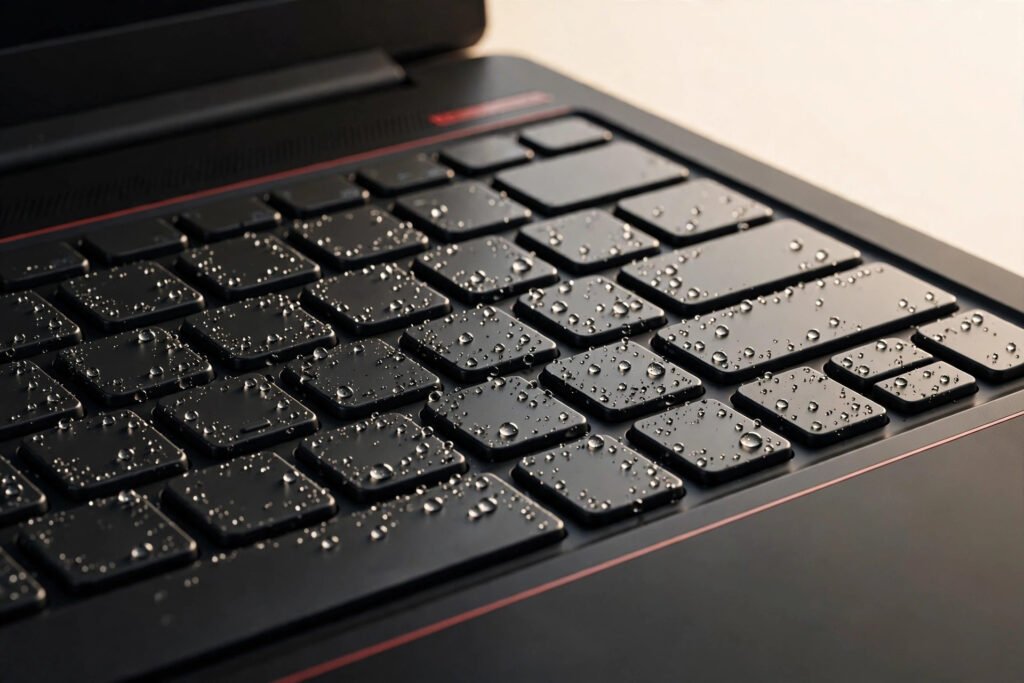
Laptop water damage repair in Georgetown doesn’t have a fixed price — it starts with a free diagnosis, then a fixed quote before we touch anything. No honest shop quotes water damage blind, because the cost depends entirely on what the liquid reached. At Tech Guys, we open it up, assess the real damage, and give you straight odds: what’s fixable, what it costs, and when it’s not worth it.
If you just spilled something, here’s the short version: power it off RIGHT NOW, unplug everything, flip it upside down, and bring it in today — don’t wait three days to “see if it dries out.” Every hour of waiting is more corrosion spreading across the board. What you do in the first ten minutes matters more than anything we do later.
What Water Damage Repair Typically Costs (Georgetown, 2026)
| What the Liquid Reached | What It Usually Means | Typical Cost |
|---|---|---|
| Keyboard only | Keys dead or sticky, everything else fine — keyboard replacement | $79–$149 |
| Battery area | Battery won’t charge or drains fast — battery replacement | $79–$129 |
| Screen edges | Flickering, lines, or dim patches — screen replacement | $129–$249 |
| Motherboard (logic board) | Won’t power on, random shutdowns — board-level work, quoted after free diagnosis | Quoted per case |
| Multiple components | Several parts damaged — we itemize everything and give you one fixed quote | Quoted per case |
Please note: all prices shown are estimates only, not confirmed prices. Final pricing may vary based on your device model, parts availability, and the extent of the issue. Contact us for a confirmed quote.

The First 10 Minutes: What To Do Right Now
If you’re reading this with a wet laptop next to you, stop reading and do this:
- Power it off immediately. Hold the power button. Don’t “save your work first” — every powered second with liquid inside risks short circuits.
- Unplug everything. Charger, USB devices, all of it. Electricity + liquid is what kills boards.
- Flip it upside down. Keyboard facing down, like a tent. Gravity is your friend — let liquid drain out, not in.
- Don’t turn it back on “to check.” This is the number one killer. That hopeful power-on fries what the spill didn’t.
- Bring it in today. Not tomorrow, not after the weekend. Corrosion starts within hours.
Why Water Damage Is Unpredictable
Here’s what most people don’t understand: the spill isn’t the damage — the corrosion is. Pure water barely conducts electricity. But the moment it touches a powered circuit board, minerals and impurities start electrochemical corrosion that keeps eating traces for days, even after everything looks dry.
That’s why “it worked fine for a week then died” is the classic water-damage story. The liquid dried, the laptop booted, and meanwhile corrosion was quietly severing connections underneath the chips. By the time symptoms appear, the damage is worse than day one. This is also why rice is a myth — rice doesn’t stop corrosion, and it doesn’t reach inside a sealed laptop anyway. Speed beats rice, every time.
What Actually Happens During Water Damage Repair?
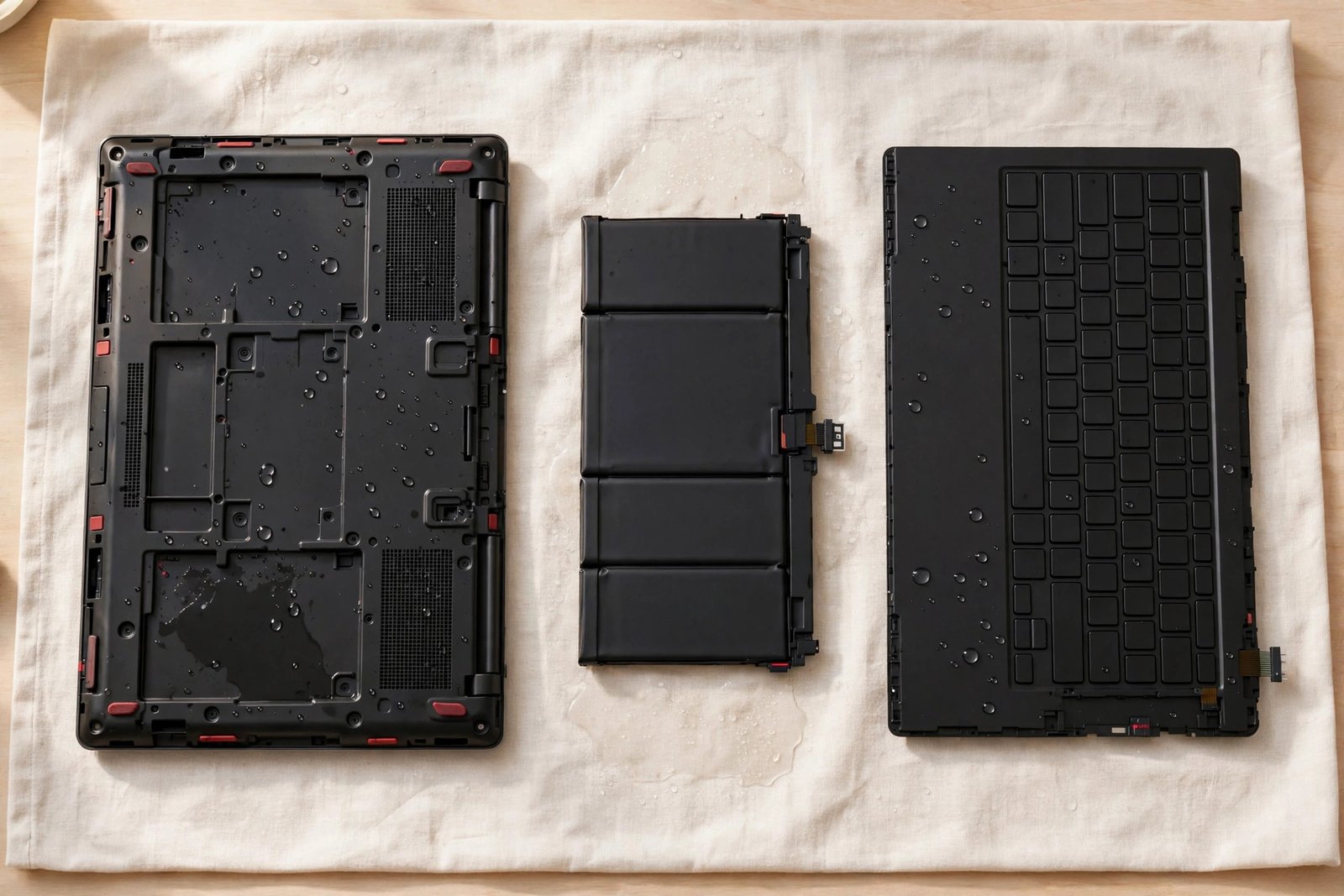
First, the free diagnosis: we open the laptop and inspect under magnification. Corrosion shows as white/green residue on the board, and we map exactly which areas were reached. Then we give you the honest picture — what’s damaged, what’s fine, what it costs, and the odds of a lasting fix. You approve the quote or you don’t; either way the diagnosis cost you nothing.
If you approve, the board gets an ultrasonic cleaning — the only proper way to remove corrosion from under chips — then damaged components get replaced at the board level. Keyboard, battery, or screen damage gets the standard fixes from the table above. Then it all goes back together and gets stress-tested: we don’t hand back a laptop that boots once; we hand back one that’s run for hours without a hiccup.
The Honest Odds: What We Tell Every Customer
We won’t promise what we can’t deliver, so here’s the straight version:
- Clean water, fast action (same day): very good odds. Most of these come back fully.
- Coffee/tea/soda, fast action: good odds, but sugary or acidic liquids corrode faster — the cleaning has to be thorough.
- Any liquid, waited a week+: honest odds, maybe fifty-fifty. We’ll show you the corrosion and let you decide.
- Powered on while wet, or “dried it with a hair dryer”: worse odds. Heat bakes residue onto the board. We’ll still assess free.
If the odds are bad, we’ll tell you before you spend anything. We’d rather lose the job than take your money for a fix that fails in a month.
How to Protect Your Laptop Going Forward
- Drinks on a separate surface. The golden rule. Not beside the laptop — on another table.
- A keyboard cover for risky environments. Kitchens, workshops, kids’ homework tables. A $15 silicone cover has saved countless keyboards.
- Back up continuously. Water damage is the best argument for automatic cloud backup you’ll ever hear. The laptop is replaceable; your files might not be.
- Know where we are. 118 Mill St, Georgetown. The faster you get here after a spill, the better your odds.
When Is It NOT Worth Fixing?
We’ll talk you out of water damage repair when it doesn’t make sense:
- The board is extensively corroded and the laptop is old. We’ll show you the damage under magnification. If half the board is green, a fix is a gamble, not a repair.
- Multiple major components are gone. Board plus screen plus keyboard on a mid-range laptop quickly exceeds its value. We’ll itemize it so you can see the math yourself.
- It “works” but was soaked and dried without cleaning. If someone already ran it for weeks post-spill, latent corrosion may keep causing failures. We’ll be straight about the risk.
In every other case — fast action, limited damage — water damage is very fixable, and the free diagnosis means you risk nothing finding out.
Frequently Asked Questions
How much does laptop water damage repair cost in Georgetown?
It depends on what the liquid reached — keyboard fixes run $79–$149, batteries $79–$129, screens $129–$249, and board-level work is quoted per case. Diagnosis is always free, and we give you a fixed quote before starting. Call (647) 655-6969.
What should I do immediately after spilling liquid on my laptop?
Power it off immediately, unplug everything, flip it upside down to drain, and bring it in the same day. Do NOT turn it back on to “check if it works” — that’s what causes the real damage.
Does putting it in rice actually work?
No. Rice doesn’t stop corrosion and can’t reach inside a sealed laptop. Speed is the only thing that matters — get it to a shop the same day.
Can you fix a laptop that won’t turn on after a spill?
Sometimes — it depends on whether the board shorted or just needs cleaning. We diagnose free and give you honest odds before quoting anything.
Will I lose my data?
Usually not. Storage drives are sealed and often survive spills that kill keyboards and boards. If the drive is affected, we offer data recovery — and we’ll tell you the odds up front.
How long does water damage repair take?
Diagnosis is same-day. The fix itself typically takes 1–3 days depending on what needs replacing and parts availability.
Does the fix come with a warranty?
Yes — completed water damage fixes include our 90-day warranty on parts and labour. If we tell you the odds are poor, we’ll say so before you spend anything.
My laptop works fine a week after the spill. Am I in the clear?
Not necessarily — this is the classic pattern. Corrosion keeps spreading under the chips even when everything looks dry. Bring it in for a free inspection; catching it early is the difference between a cleaning and a dead board.