
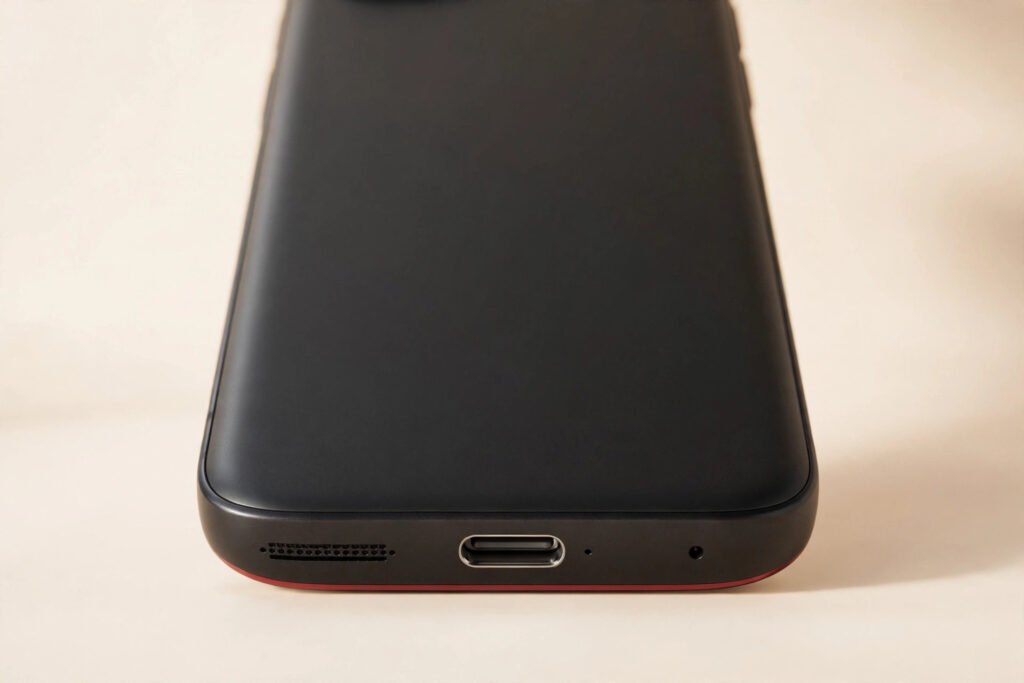
If your phone only charges when the cable sits at just the right angle — or has stopped charging entirely — a charging port fix in Georgetown typically costs $69–$119 depending on your model. Most charging port fixes at Tech Guys are finished the same day, often in under two hours, and every fix includes a 90-day warranty on parts and labour.
Here’s the short version before you panic: try a different cable and a different charging brick first. Roughly half the “dead port” phones brought into our shop turn out to be a worn-out $20 cable, not a broken phone. If you’ve tried that and it still won’t charge reliably, stop wiggling the connector — forcing it can turn a simple cleaning into a full port replacement. Bring it in and we’ll tell you in minutes what’s actually wrong.
Charging Port Fix Prices (Georgetown, 2026)
| Service | Typical Cost | Turnaround |
|---|---|---|
| iPhone charging port (Lightning) | $79–$119 | 1–2 hours |
| Samsung Galaxy charging port (USB-C) | $69–$109 | 1–2 hours |
| Google Pixel charging port (USB-C) | $69–$109 | 1–2 hours |
| Other Android charging port (USB-C) | $69–$99 | 1–2 hours |
| Port cleaning & inspection | Free with any fix | ~15 minutes |
Please note: all prices shown are estimates only, not confirmed prices. Final pricing may vary based on your device model, parts availability, and the extent of the issue. Contact us for a confirmed quote.
Why Charging Ports Fail (It Happens to Everyone)
Charging ports live a hard life — the average phone gets plugged and unplugged over a thousand times a year, and every cycle wears the tiny contacts inside a little more. The most common failure we see isn’t actually a broken port, it’s a dirty one: pocket lint compresses into the port until the cable can’t seat fully. Second is mechanical wear from wobbling cables; third is moisture corrosion, the one to take seriously because it spreads to nearby components.

Is It the Port, the Cable, or the Charger?
Before spending money, run this two-minute diagnosis. First, try a different cable — ideally a new or known-good one. Cables fail far more often than ports because their thin wires break internally from bending. If a fresh cable fixes it, you just saved yourself a repair bill.
Second, try a different charging brick and wall outlet. Weak bricks cause slow charging that feels exactly like a bad port. Third, if your phone supports wireless charging, set it on a pad — if it charges fine wirelessly but not over cable, the problem is in the wired path: port or cable, not the battery.
Finally, shine a flashlight into the port. If you see a grey felt-like pad of lint at the bottom, that’s your culprit in a huge percentage of cases. Don’t dig it out with anything metal yet — read the next section first.
What You Can Safely Try at Home
If it’s lint, you can often fix it yourself in a minute. Power the phone off, then use a wooden or plastic toothpick — never metal, which can short the pins — to gently tease the compressed lint out of the port. Work from the sides, be patient, and you’ll be surprised how much comes out. A quick blast of compressed air afterwards clears the remainder.
What not to do: don’t jam a pin or SIM tool in there, don’t scrape aggressively, and don’t drip isopropyl alcohol into the port hoping to dissolve anything — liquid and charging ports are a bad combination unless the phone is fully powered down and given time to dry. If the toothpick doesn’t solve it, or the port feels physically loose when the cable is in, that’s the point to stop and bring it to us. Forcing a loose port is how solder joints crack and a $79 cleaning-level job becomes a full replacement.
What Actually Happens During a Charging Port Fix
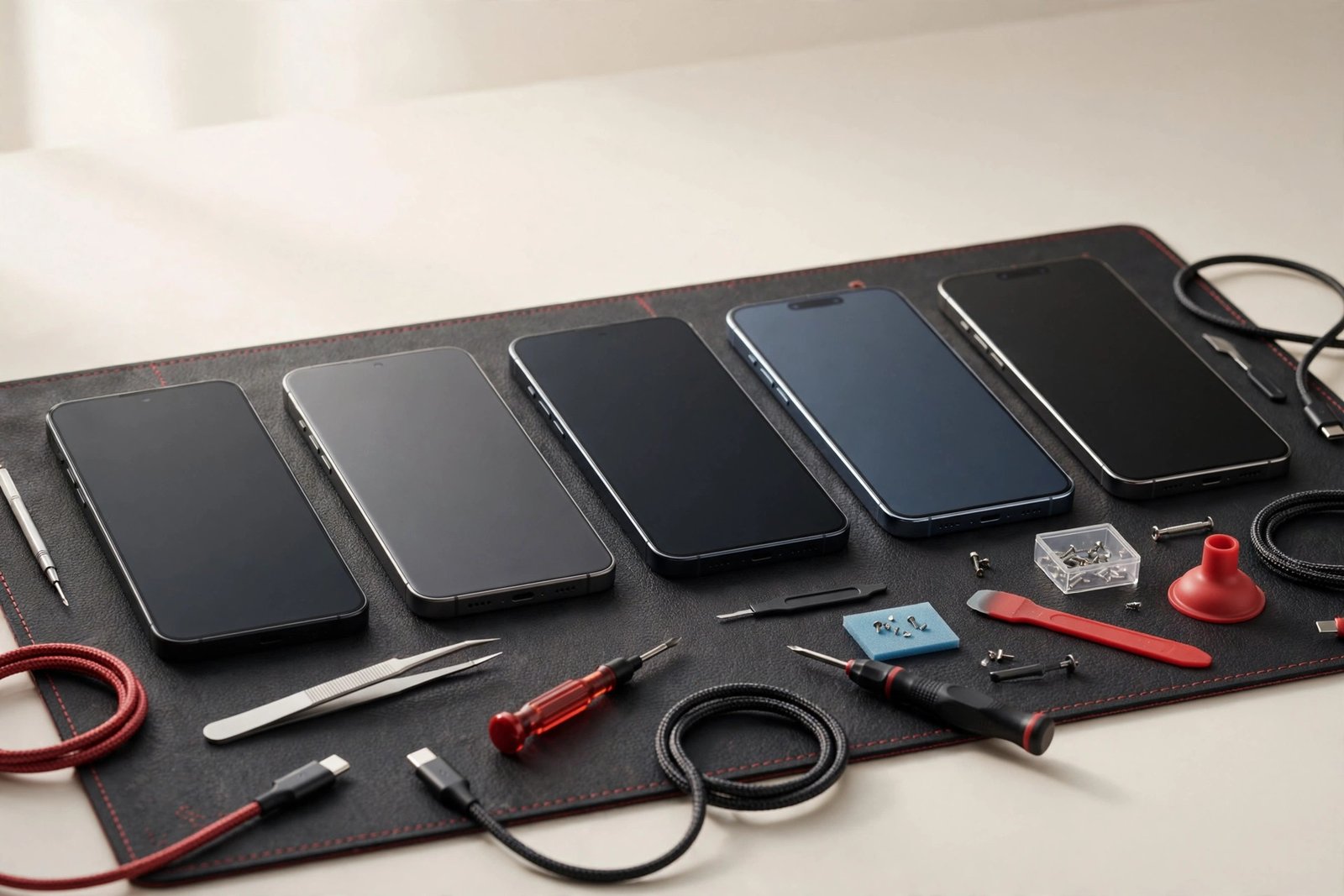
When you bring the phone in, we start with inspection and cleaning — if it’s just lint, you’re often out the door in fifteen minutes. If the port itself is worn, we open the phone and replace the port assembly (most modern phones use a replaceable flex or daughterboard; some need micro-soldering). After replacement we test cable charging at full speed, USB data transfer, and accessories, then reseal the phone. Total bench time is usually one to two hours.
USB-C vs Lightning: Does the Connector Change the Price?
A little, but not as much as you’d think. iPhone Lightning ports tend to land at the higher end of the range ($79–$119) because the parts are model-specific and the disassembly is fiddlier. USB-C ports on Samsung, Pixel, and other Android phones cluster at $69–$109 — the parts are more standardized and widely available, which keeps costs down.
What matters more than the connector type is how the port is attached. Daughterboard-mounted ports are quick swaps; direct-soldered ports need more labour. We’ll tell you which one your phone has before we quote, so there are no surprises.
When It’s NOT Worth Fixing
We’ll talk you out of this repair in a couple of situations. If the phone is five or more years old and already has other problems — a dying battery, a cracked screen, sluggish performance — then $100 for a port on a phone worth $120 doesn’t add up. Put it toward a refurbished upgrade instead and we’ll tell you so honestly.
The other case is when the charging problem goes deeper than the port. If diagnostics show the failure is in the power management circuitry on the main board, the fix gets complicated and expensive fast. On a budget phone that’s a clear no; on a flagship less than three years old it can still be worth discussing, and we’ll give you the real odds before you spend a dollar. What we won’t do is replace a port, watch it fail again, and shrug — if we suspect board-level trouble, you’ll hear about it up front.
How to Make Your Next Charging Port Last Longer
A few habits genuinely extend port life. Use decent-quality cables — the ultra-cheap ones have loose-fitting connectors that wobble and wear the port faster. Unplug by gripping the connector, not yanking the cable. If you pocket-carry your phone, give the port a quick toothpick clean every few months before lint gets impacted.
Magnetic charging cables are worth considering: a small magnetic tip stays in the port permanently, so the port itself never sees plugging wear — you just snap the cable on and off magnetically. They’re inexpensive and they eliminate the number-one cause of port wear entirely. And if your phone supports wireless charging, using a pad overnight and saving the cable for top-ups cuts your port cycles dramatically.
Frequently Asked Questions
How do I know if my charging port is broken or just dirty?
Shine a flashlight into the port. If you see packed lint at the bottom, it’s probably just dirty — a careful clean with a wooden toothpick often fixes it completely. If the port is clean but the cable wobbles loosely or only charges at certain angles, the port’s contacts or solder joints are worn and it likely needs replacement. We’ll inspect it free and tell you which one it is.
Can I still charge my phone if the port is completely dead?
If your phone supports wireless charging, yes — a wireless pad bypasses the port entirely and works normally. That’s also a useful diagnostic: if wireless charging works fine but cable charging doesn’t, the problem is isolated to the port or cable. Phones without wireless charging will need the port fixed before they can charge at all, so don’t let the battery run to zero.
Will I lose my data during a charging port fix?
No. A charging port replacement doesn’t touch your storage — your photos, apps, and settings stay exactly as they were. As with any repair, we recommend a backup beforehand just in case, but data loss during a port fix is essentially unheard of.
How long does a charging port replacement take?
Most take one to two hours, so it’s a same-day fix — drop it off and pick it up the same afternoon. Cleaning-only jobs take about fifteen minutes while you wait.
Is it worth fixing the charging port on an old phone?
Depends on the phone’s overall condition and value. On a phone less than four years old that’s otherwise healthy, absolutely — $69–$119 beats a new phone. On a five-plus-year-old phone with a dying battery and other issues, we’ll honestly tell you the money is better spent toward a replacement.
Why does my phone only charge when I hold the cable at an angle?
That’s the classic symptom of worn port contacts or cracked solder joints. Holding the cable at an angle forces the worn contacts to touch. It works temporarily, but every wiggle stresses the joint further — get it looked at before the connection fails completely or damages the board.
Does the fix come with a warranty?
Yes — every charging port fix includes our 90-day warranty covering the replacement part and our labour. If the new port has any issue within 90 days, we make it right.
My phone won’t turn on at all. Can you still fix it?
Often yes. A completely dead phone with a bad port just needs enough charge to boot — we can sometimes power it via test points to confirm the rest of the phone is healthy before replacing the port. If it turns out the problem is deeper (battery or board), we’ll diagnose it and quote honestly before doing anything.