
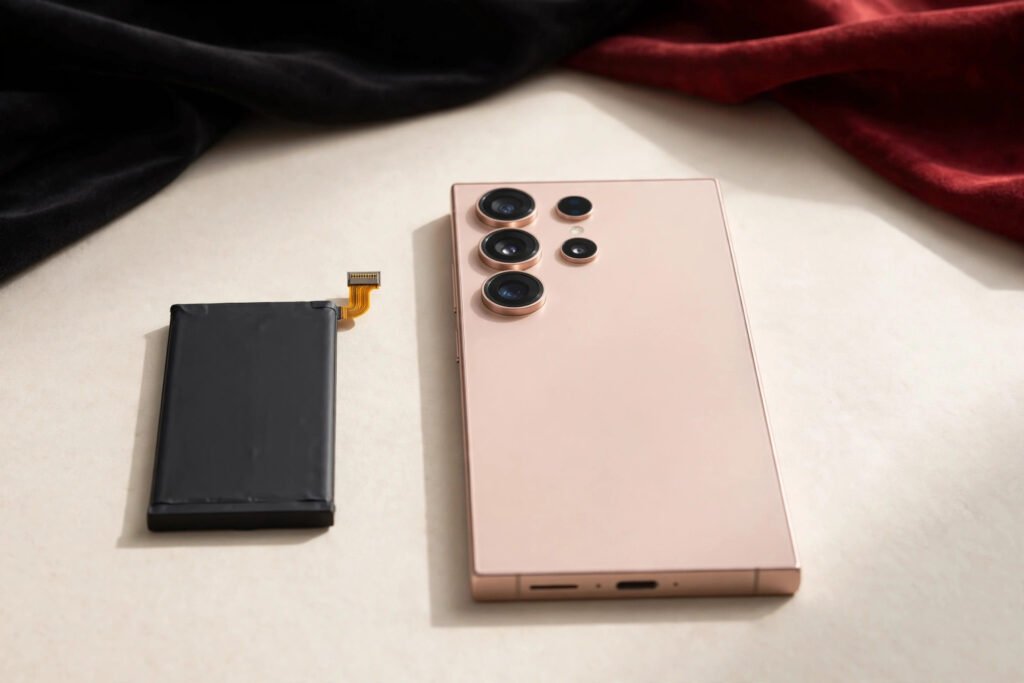
Samsung battery replacement in Georgetown typically costs $49–$89 depending on your model. Galaxy A-series phones run $49–$69, Galaxy S23 and S24 models run $59–$79, and the S24 Ultra and Z Fold models run $69–$89. At Tech Guys, most Samsung batteries are replaced in 30–60 minutes while you wait, and every fix includes a 90-day warranty on parts and labour.
If your Galaxy dies at 40%, needs charging twice a day, or the back is starting to bulge, here’s the short version: check Settings → Battery → Battery diagnostics first. Samsung phones are good at telling you when the battery is the problem. Don’t keep pushing a dying battery — and if you see any bulging, stop using the phone immediately. Here’s what a replacement costs by model and what to expect.
Samsung Battery Replacement Prices by Model (Georgetown, 2026)
| Samsung Model | Typical Battery Replacement Cost | Fix Time |
|---|---|---|
| Galaxy S24 Ultra / Z Fold 5/6 | $69–$89 | 45–60 min |
| Galaxy S24 / S24+ | $59–$79 | 30–45 min |
| Galaxy S23 / S23+ | $59–$79 | 30–45 min |
| Galaxy S22 / S21 | $55–$75 | 30–45 min |
| Galaxy A54 / A55 / A35 | $49–$69 | 30 min |
| Galaxy A34 / A25 / A15 | $49–$65 | 30 min |
Please note: all prices shown are estimates only, not confirmed prices. Final pricing may vary based on your device model, parts availability, and the extent of the issue. Contact us for a confirmed quote.
Signs Your Samsung Battery Needs Replacing
It’s the battery if: the phone dies suddenly at 20–40%; battery diagnostics show poor health; it only works while plugged in; it gets unusually hot during normal use; or — most urgently — the back panel or screen is bulging. A swelling battery is a safety issue: stop using the phone, don’t charge it, and bring it in right away.
It might not be the battery if: the phone won’t charge at all with a known-good cable (could be the charging port — a $69–$119 fix); it charges slowly (check the cable and brick first, and clear lint from the port); or a recent update caused the drain (software issues usually settle within a few days of an update).
Samsung’s built-in diagnostics (Settings → Battery → Battery diagnostics, or the Samsung Members app) are genuinely useful — run them before you come in, or just bring the phone and we’ll test it properly for free.
Why Samsung Battery Replacements Take a Little Longer
Honest context: Samsung phones open from the back, and the back glass is glued down firmly. The process is safe and routine, but it has more steps than an iPhone battery swap:
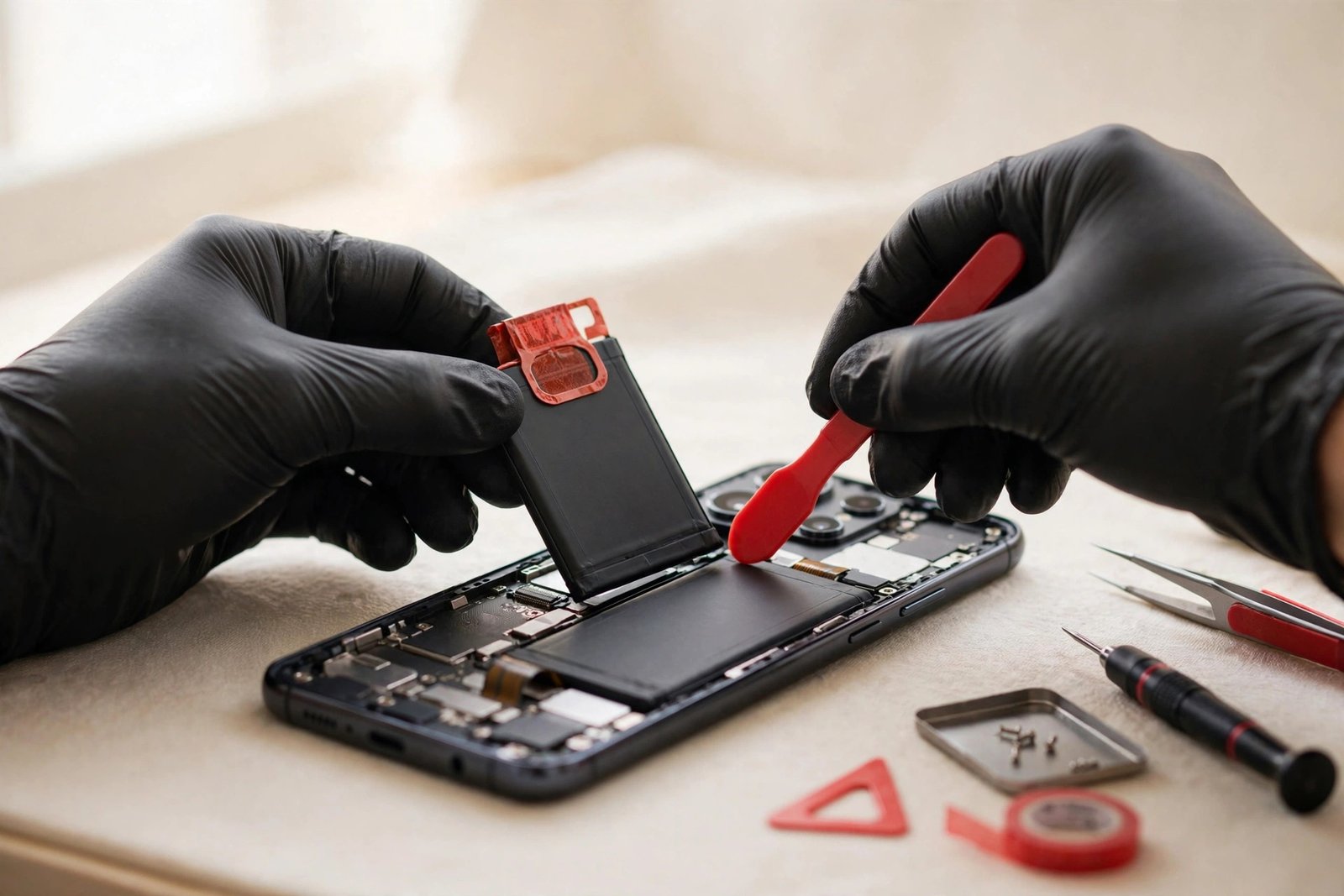
1. Back panel removal. Controlled heat softens the adhesive, and the back glass is lifted carefully. On phones with curved backs (S Ultra models), this takes extra patience.
2. Disconnect and remove. The battery connector comes off first, then the old battery. Samsung uses strong adhesive under the battery — we use proper pull tabs and solvents designed for the job, never force.
3. New battery, fresh seals. The replacement goes in, and the back panel is re-sealed with fresh adhesive to restore dust and splash resistance as close to factory as possible.
4. Testing. Charge cycle test, battery health check, and a check that the back sits flush with no gaps. Most done in 30–60 minutes while you wait.
Battery Quality: What We Install and Why It Matters
We install original-spec Samsung batteries — matched capacity, proper safety certifications, correct connector and adhesive fit. Here’s why we don’t do the cheapest batteries on the market:
- Safety. A bad lithium battery can swell or, in rare cases, catch fire. This is the one component where cutting corners is genuinely dangerous. Our batteries meet the same safety standards as the original.
- Capacity honesty. Cheap batteries often claim the original mAh but deliver 10–20% less. You’d be back in six months. Ours test at full rated capacity.
- Fit and finish. An ill-fitting battery can press against the screen from inside or leave the back panel sitting proud. Original-spec batteries fit exactly.
How to Make Your New Samsung Battery Last
- Turn on “Protect battery” (Settings → Battery → Battery protection). It caps charging at 80–85%, which dramatically slows battery aging. This single setting adds a year or more to a battery’s life.
- Avoid heat. Don’t leave your Galaxy on a hot dashboard or charge it under a pillow. Heat is the number one battery killer.
- Use Adaptive charging overnight. It learns your wake time and finishes charging just before — much gentler than sitting at 100% all night.
- Don’t fear partial charges. Topping up from 40% to 80% is ideal for lithium batteries. The old “drain it fully” advice doesn’t apply anymore.
When Is a Samsung Battery Replacement NOT Worth It?
- Swelling damaged the screen. A badly swollen battery can crack the screen from the inside or warp the frame. If both need replacing on an older A-series phone, the combined cost may exceed its value — we’ll show you the math.
- The phone has multiple failures. Battery plus a dead charging port plus a cracked screen on a 4-year-old Galaxy adds up. We’ll quote the whole job and give you an honest recommendation.
- You’re upgrading soon anyway. A fresh battery still boosts trade-in value — but if the phone is going in a drawer, save your money.
For a Galaxy you plan to keep another year or more, a $49–$89 battery is the best-value fix we offer.
Frequently Asked Questions
How much does Samsung battery replacement cost in Georgetown?
Typically $49–$89 depending on your model. Galaxy A-series run $49–$69, S23/S24 models run $59–$79, and S24 Ultra/Z Fold models run $69–$89. Call (647) 655-6969 for an exact quote — it takes 30 seconds.
How long does a Samsung battery replacement take?
Most Samsung batteries are replaced in 30–60 minutes while you wait. Ultra and Fold models take a little longer because of the back panel adhesive.
My Samsung battery is swelling. Is it dangerous?
Yes — stop using it and don’t charge it. A swelling lithium battery is a fire risk. Bring it in right away; we’ll remove it safely. Never try to puncture or remove a swollen battery yourself.
Will I lose my data?
No. A battery replacement doesn’t touch your storage — your photos, apps, and settings stay exactly as they were.
Will my phone still be water-resistant after the fix?
We re-seal the back panel with fresh adhesive to restore resistance as close to factory as possible. But like the manufacturer, we can’t guarantee the original IP rating after any phone has been opened — treat it with the same care as before.
Does the battery replacement come with a warranty?
Yes — every battery replacement includes a 90-day warranty covering the part and our labour.
How do I check my Samsung battery health?
Go to Settings → Battery → Battery diagnostics, or use the Samsung Members app’s diagnostics. Or just bring it in — we test battery health properly for free.
Should I replace the battery or buy a new Galaxy?
If your Galaxy is otherwise healthy, a $49–$89 battery makes it feel new again for a fraction of replacement cost. If it has a swollen battery plus other damage, ask us for an honest assessment first.