

iPhone battery replacement in Georgetown typically costs $49–$89 depending on your model. Older models like the iPhone SE and iPhone 11 run $49–$69, while iPhone 14, 15, and 16 models run $69–$89. At Tech Guys, most iPhone batteries are replaced in under an hour while you wait, and every fix includes a 90-day warranty on parts and labour.
If your iPhone dies at 30%, shuts off in the cold, or needs charging twice a day, here’s the short version: check Settings → Battery → Battery Health first. If your maximum capacity is under 85%, a new battery will make the phone feel new again. Don’t keep nursing a dying battery — it puts extra strain on the charging system. The rest of this guide covers exact prices by model, how to tell you really need a battery, and what to watch out for.
iPhone Battery Replacement Prices by Model (Georgetown, 2026)
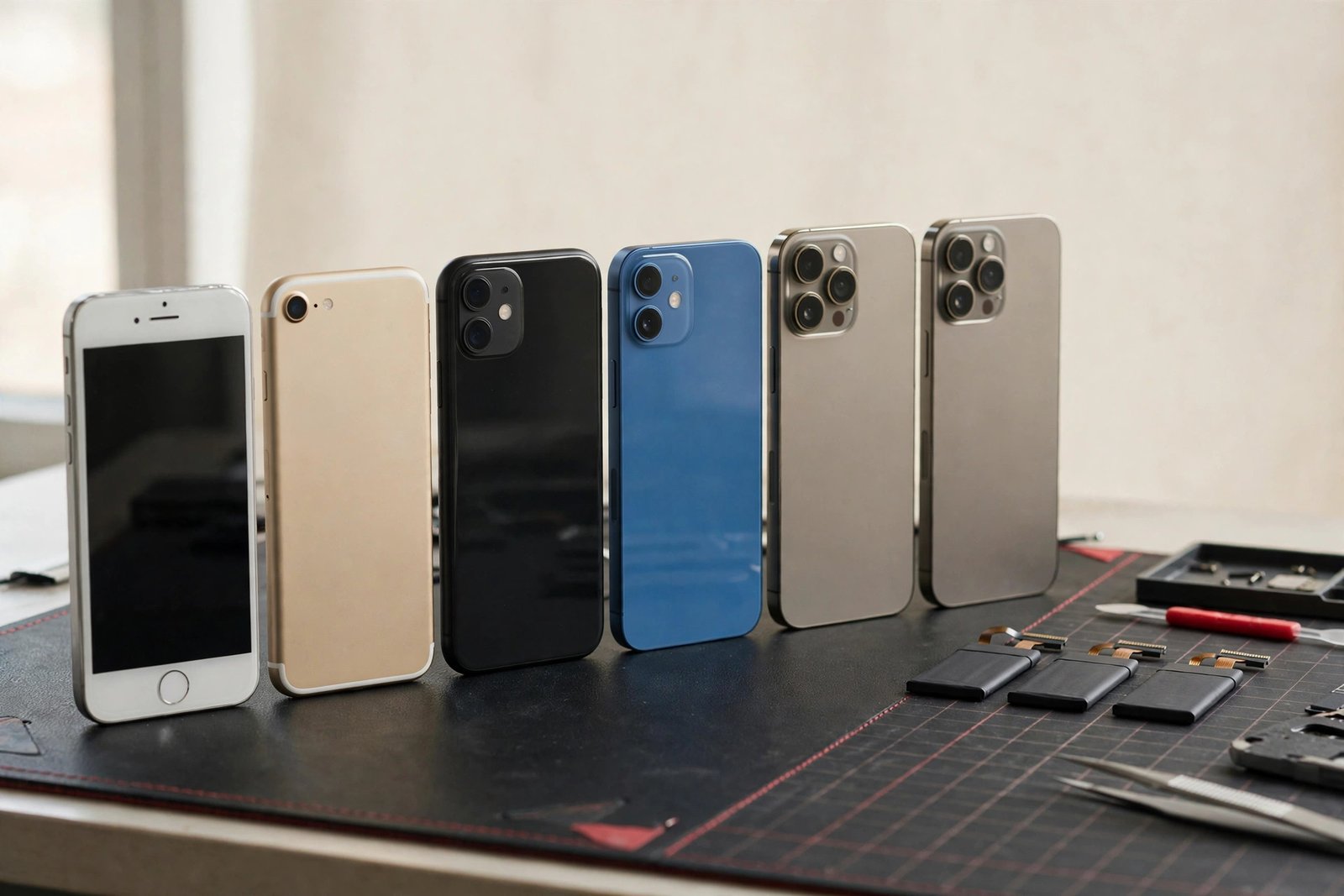
| iPhone Model | Typical Battery Replacement Cost | Fix Time |
|---|---|---|
| iPhone 16 / 16 Pro | $69–$89 | 30–45 min |
| iPhone 15 / 15 Pro | $69–$89 | 30–45 min |
| iPhone 14 / 14 Pro | $65–$85 | 30–45 min |
| iPhone 13 / 13 Pro | $59–$79 | 30 min |
| iPhone 12 / 12 Pro | $59–$79 | 30 min |
| iPhone 11 / XR | $55–$75 | 20–30 min |
| iPhone SE (all gens) / X / XS | $49–$69 | 20–30 min |
Please note: all prices shown are estimates only, not confirmed prices. Final pricing may vary based on your device model, parts availability, and the extent of the issue. Contact us for a confirmed quote.
Signs You Actually Need a New Battery
Not every charging problem is the battery. Here’s how to tell:
It IS the battery if: your battery health (Settings → Battery → Battery Health & Charging) shows maximum capacity below 85%; the phone dies suddenly at 20–40%; it only works while plugged in; it shuts off in cold weather; or the back of the phone is bulging slightly (a swelling battery — stop using it and bring it in right away).
It might NOT be the battery if: the phone won’t charge at all even with a known-good cable (could be the charging port — that’s a $69–$119 fix); it charges very slowly (could be the cable, the brick, or lint packed in the port); or it gets hot and drains fast with a healthy battery reading (could be a software issue — try updating iOS first).
When in doubt, bring it in. We’ll test the battery’s actual health with proper diagnostic tools — not just the iOS reading — and tell you honestly whether a battery will solve it. The diagnostic is free.
Aftermarket vs. Original-Spec iPhone Batteries
Battery quality matters more than most people think. A cheap battery can swell, drain fast, or trigger Apple’s “unknown part” warnings aggressively. Here’s what we offer:
- Original-spec batteries — match Apple’s capacity, chemistry, and safety certifications. This is our standard recommendation and what our price ranges reflect. Your battery health reading works normally and performance is like new.
- Budget aftermarket — cheaper, but capacity is often overstated and longevity is worse. We don’t recommend these for iPhones, because a bad battery can damage a good phone.
One honest note: on iPhone XS and newer, Apple pairs the battery to the logic board. A third-party battery will show a “Service” message in Battery Health even when it’s a perfect battery. It doesn’t affect performance — it’s Apple’s way of nudging you toward their stores. We’ll explain this before you decide so there are no surprises.
What Happens During an iPhone Battery Replacement?
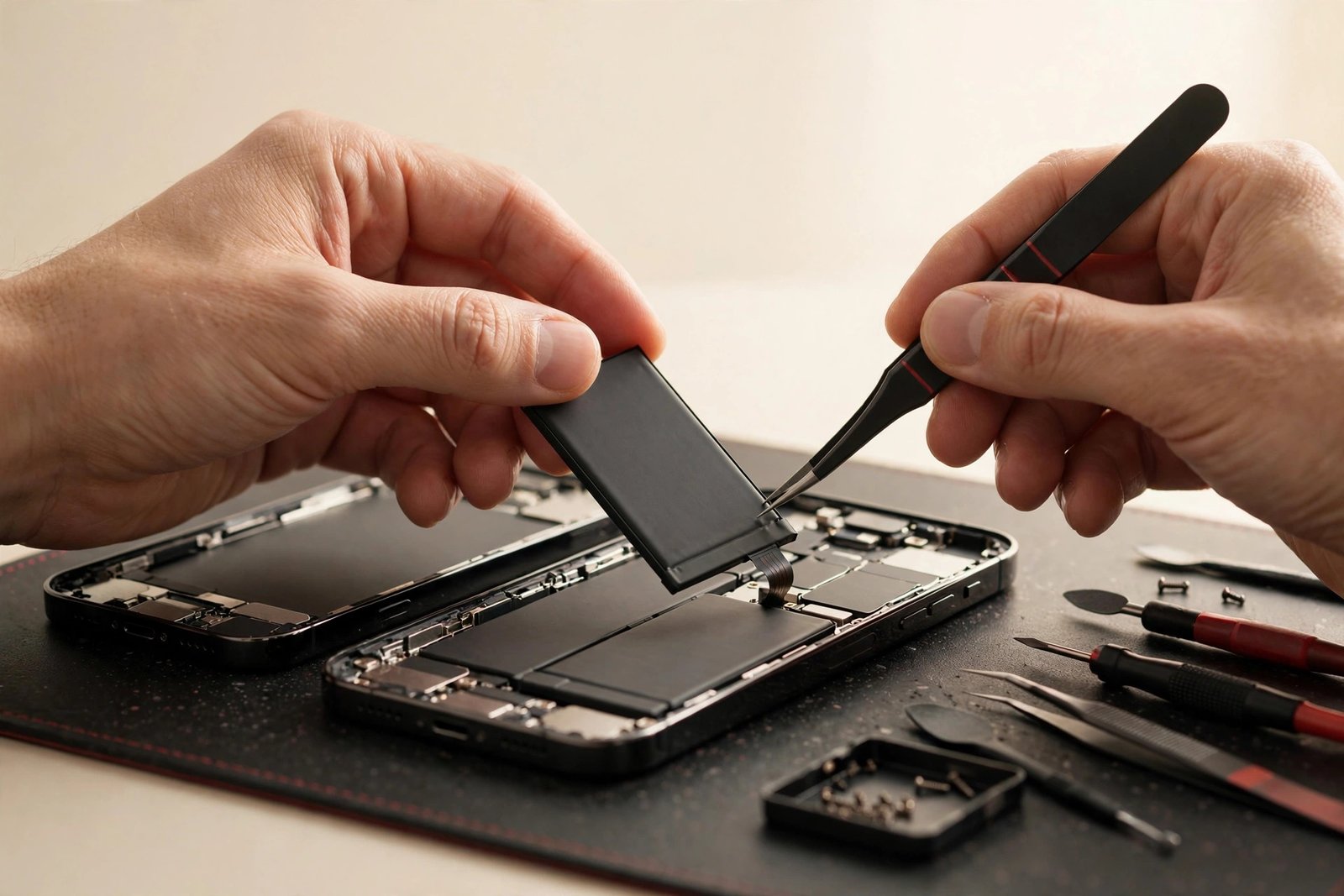
Battery swaps are one of the quickest fixes we do, but they’re done carefully — puncturing a lithium battery is dangerous, and this is not a DIY job:
1. Health check. We confirm the battery is actually the problem with a proper diagnostic, and check for swelling or damage.
2. Open and disconnect. The screen is lifted (iPhones open from the screen side), the battery connector is disconnected first, and then the old battery is removed. Apple uses stretch-release adhesive tabs — when they cooperate, the battery slides out cleanly. When they snap (common on older phones), we use controlled heat and plastic tools. Never metal pry tools on a battery.
3. New battery, new adhesive. The replacement goes in with fresh adhesive, the connector is seated, and the phone is sealed back up.
4. Calibration and testing. We charge it, check the health reading, and confirm it holds charge under load. Most swaps are done in 20–45 minutes while you wait.
How to Make Your New Battery Last
A new iPhone battery should give you 2–3 years of strong performance. Get the most out of it:
- Turn on Optimized Battery Charging (Settings → Battery → Battery Health & Charging). It learns your routine and holds the charge at 80% overnight, which dramatically slows battery aging.
- Avoid heat. Heat is the number one battery killer — don’t leave your phone on a hot dashboard, and take the case off if it gets warm while fast-charging.
- You don’t need to drain to zero. That’s old nickel-battery advice. Lithium batteries prefer partial charges — topping up from 40% to 80% is ideal.
- Use a decent charger. Ultra-cheap gas-station chargers can deliver dirty power. You don’t need Apple’s $30 brick, but buy from a reputable brand.
When Is an iPhone Battery Replacement NOT Worth It?
Honest answers, as always:
- The phone has bigger problems. A $69 battery in an iPhone 11 with a cracked screen, dying speakers, and iOS updates ending soon is throwing good money after bad. We’ll add it up honestly and tell you.
- The battery is swollen AND the screen is damaged. A swelling battery can push the screen out and crack it from the inside. If both need replacing on an old phone, the combined cost may exceed the phone’s value.
- You were about to upgrade anyway. If you’re getting a new phone next month, a battery still makes the old one worth more as a trade-in or hand-me-down — but we’ll help you do that math.
For a phone you plan to keep another year or more, a battery replacement is almost always the best-value fix in the shop.
Frequently Asked Questions
How much does iPhone battery replacement cost in Georgetown?
Typically $49–$89 depending on your model. iPhone SE, X, and 11 models run $49–$75; iPhone 12 and 13 run $59–$79; iPhone 14, 15, and 16 models run $65–$89. Call (647) 655-6969 for an exact quote — it takes 30 seconds.
How do I know if my iPhone needs a new battery?
Check Settings → Battery → Battery Health & Charging. If maximum capacity is under 85%, or your phone dies suddenly at 20–40%, it’s time. A free diagnostic at our shop confirms it with proper testing tools.
How long does an iPhone battery replacement take?
Most iPhone batteries are replaced in 20–45 minutes while you wait — it’s one of the quickest fixes we do.
Will I get a warning about a non-genuine battery?
On iPhone XS and newer, Apple shows a “Service” message in Battery Health with any third-party battery, even a perfect one. It doesn’t affect performance or battery life — we’ll explain this before you decide so there are no surprises.
Is it safe to keep using a swollen iPhone battery?
No — stop using it and bring it in. A swelling battery is a fire risk and can crack your screen from the inside as it expands. Don’t try to remove it yourself; puncturing a lithium battery is dangerous.
Does the battery replacement come with a warranty?
Yes — every battery replacement includes a 90-day warranty covering the part and our labour.
Will I lose my data during a battery replacement?
No. A battery swap doesn’t touch your storage. Your photos, apps, and settings stay exactly as they were.
Should I replace the battery or just buy a new iPhone?
If your phone is otherwise healthy and less than 4–5 years old, a $49–$89 battery makes it feel new again — far cheaper than a new phone. If it has multiple other problems, ask us for an honest assessment first.