Times are typical, not promises — parts availability and hidden damage can change them. We confirm before starting.
| Job | Typical turnaround | Notes |
|---|---|---|
| iPad glass | 1–2 days | Digitiser tested after |
| LCD replacement | 1–2 days | Panel ordered to model |
| Battery | Same day | Safely disposed of |
| Charging port | Same day | Often a cleaning job |
| Software restore | Same day | Back up first |
It'll keep working until it doesn't — cracks let dust and moisture into the digitiser. Fixing it early is usually cheaper.
Bigger, more fragile and more glue. It's a slower job, which is why it's usually a day rather than an hour.
Yes — Samsung, Lenovo, Amazon Fire and most others.
Call, message, or walk in — we'll tell you what it needs and what it costs.
Tablets live hard lives — handed to kids, balanced on couch arms, dropped on tile floors. We fix iPads of every generation, from the standard iPad and iPad mini up to the big iPad Pro models, plus Samsung Galaxy Tab, Lenovo Tab, Amazon Fire and most other Android tablets. Cracked front glass, dead touch response, LCD bleeding and black spots, worn-out batteries, broken charging ports and tired buttons all cross our bench weekly.
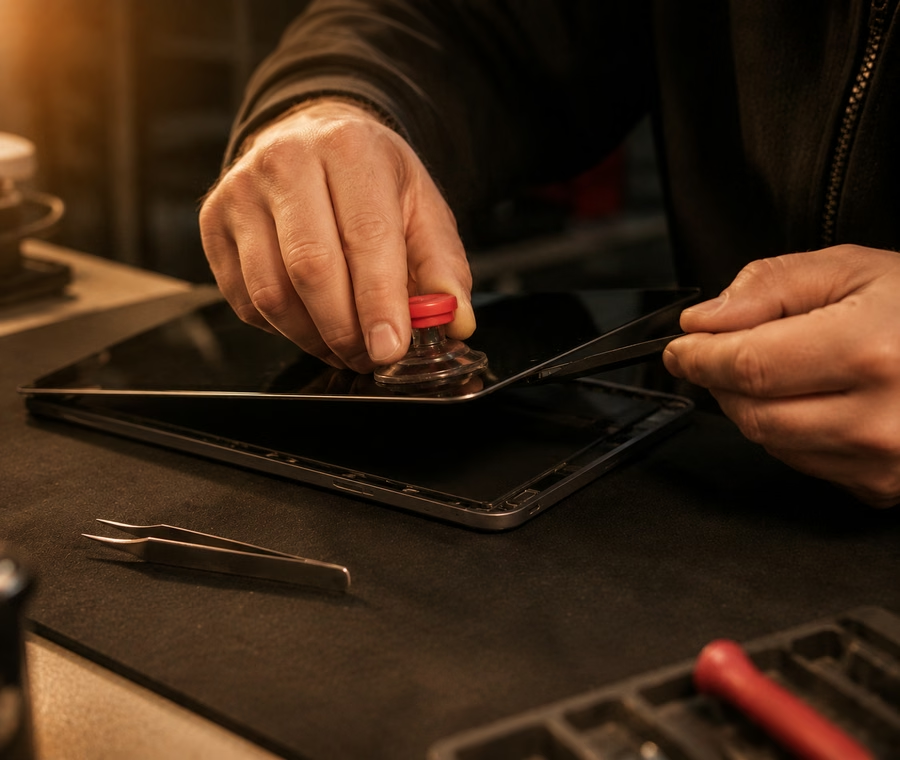
Tablet repair is slower, more delicate work than phones — bigger glass, stronger adhesive, more fragile internals — which is why most jobs take a day or two rather than an hour. We take the time to do it properly: glass replaced, digitiser retested, battery safely handled and the old cell disposed of responsibly. For iPad-specific work, our Apple repair page has the full detail.
Tablet pricing swings with the model — an older iPad mini and a 12.9-inch iPad Pro are very different jobs. These starting prices cover the common cases; we'll confirm the exact number for your tablet before we begin.
| Service | Starting from |
|---|---|
| iPad glass / digitiser replacement | from $99 |
| iPad LCD replacement | from $149 |
| Tablet battery replacement | from $79 |
| Charging port repair | from $69 |
| Samsung / Android tablet screen | from $119 |
Prices are estimates and vary by model and damage — contact us for a confirmed quote.
Most tablet fixes take one to two days — the adhesive needs careful removal and proper curing time, and rushing it is how corners get cut. Batteries and charging ports are often same-day. If your tablet is your daily driver for work or school, tell us and we'll do our best to work around your schedule.
A quick word on swollen batteries: if your tablet's screen is lifting or the case is bulging, stop using it and bring it in — don't poke at it or try to force it flat. We'll remove the swollen cell safely. Every tablet fix is covered by our warranty on parts and labour at both our Georgetown and Acton locations.
iPad glass-only replacements start from $99, while a full LCD assembly — needed when there are black spots, lines or dead touch areas — starts from $149 and varies by generation. The 12.9-inch Pro models cost more than a standard iPad. Tell us your model (in Settings > General > About) and we'll give you an exact quote.
No. Screen, battery, port and button repairs don't touch your storage, so your photos, apps and settings stay put. Still, back up to iCloud or Google before you come in — it takes two minutes and it's cheap insurance. If your tablet won't turn on at all, ask us about data recovery options.
Usually, yes — after a screen or battery replacement we need to test touch response, cameras and charging, which means unlocking the device. Your passcode is only ever used at the bench for testing, and you're welcome to change it afterwards. We treat every customer's privacy seriously.
It needs attention, but don't panic. Stop using and charging the tablet, don't press on the bulge or try to force it flat, and bring it to us as soon as you can. Swollen lithium cells need careful removal, which we do safely at the bench, and we'll fit a fresh battery so the tablet is safe to use again.
We fix screens and charging ports on most Fire models, and for the common ones it's absolutely worth doing — the parts are affordable. On the very cheapest older Fires, we'll be honest if the repair approaches the price of a replacement. Bring it in and we'll give you a straight answer before you spend anything.
 Tech Guys
The Tech Guys has two shops in Halton Hills — device fixes, printing and passport photos under one roof. Choose the branch nearest you and we'll connect your call.