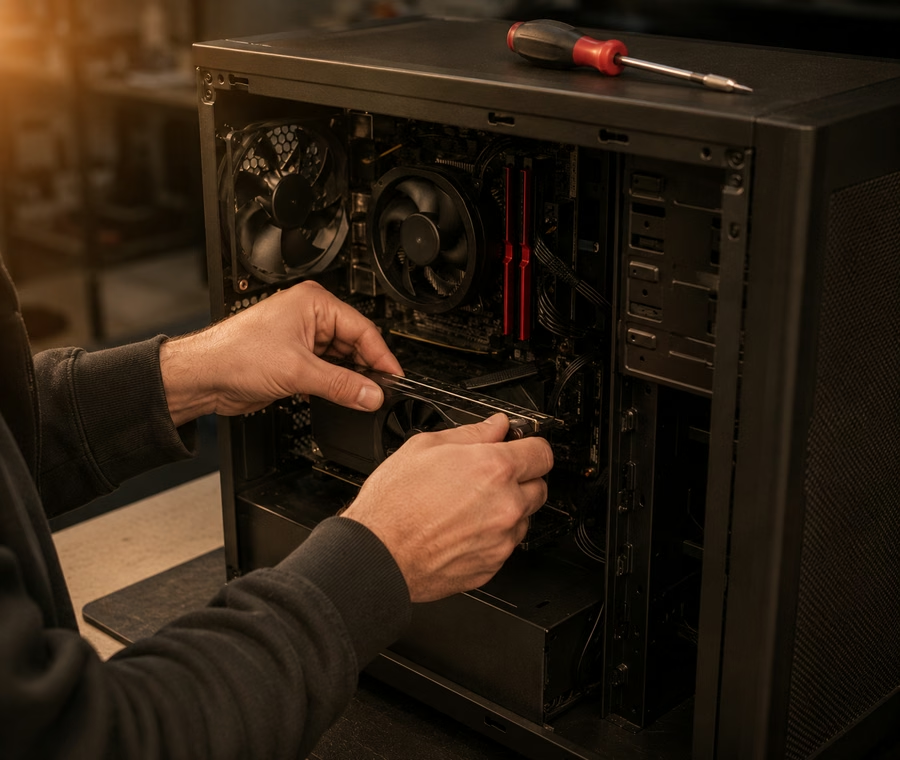
Times are typical, not promises — parts availability and hidden damage can change them. We confirm before starting.
| Job | Typical turnaround | Notes |
|---|---|---|
| Diagnostic | Same day | $40, waived if you proceed |
| SSD or RAM upgrade | Same day | Data cloned across |
| Thermal service | Same day | Fixes most throttling |
| Custom build | 3–5 days | Parts dependent |
| Data recovery | 2–7 days | Quoted after assessment |
Power supply first, then board, RAM and drive. Most no-boot faults are one of those four and we work through them in order.
Yes. Tell us the budget and what it's for and we'll spec it honestly — including telling you where not to spend.
Windows, Office, PDF readers and Photoshop, all installed and configured before pickup.
Call, message, or walk in — we'll tell you what it needs and what it costs.
When your computer is slow, noisy, infected or simply won't turn on, bring it to either of our shops and we'll sort it out. We fix Windows desktops and towers, all-in-one PCs, iMacs and Mac minis — the machines families and small offices actually rely on every day. Every job starts with a proper diagnosis, so you always get a straight answer and a confirmed price before we touch a single screw.
Here's how it works: drop the machine off at our Georgetown or Acton counter (no appointment needed), tell us what's wrong, and we'll diagnose it — usually the same day. We'll call you with what's wrong, what it costs to fix, and how long it takes. Nothing happens until you say yes. When it's ready, we show you what was done and make sure everything works before you leave.
Common work on this bench includes:
If your machine is more than a few years old, ask us whether a fix or an upgrade makes better financial sense. We'll give you an honest answer — sometimes a $129 SSD beats a $600 repair, and we'll tell you when that's the case.
Every machine is different, but these starting prices cover most of the jobs we see:
| Service | Starting from |
|---|---|
| Diagnostic (waived if you go ahead with the fix) | from $40 |
| Virus & malware cleanup | from $89 |
| SSD upgrade, files transferred | from $129 |
| Mac repair (iMac / Mac mini) | from $149 |
| Home Wi-Fi & printer setup | from $79 |
| Data recovery | quoted after free assessment |
Prices are estimates and vary by job size and materials — contact us for a confirmed quote.
Most computer repairs are finished the same day or the next day, and diagnostics are usually same-day — you'll know what's wrong before dinner. If you're up against a deadline — a work laptop, a school project — ask about our rush service and we'll tell you honestly what's possible.
Most slowdowns come down to the old hard drive. An SSD upgrade with everything moved across starts from $129 and usually makes the machine feel new again. We diagnose first ($40, waived if you proceed), so you're never paying for guesswork — just a straight answer.
Both. We repair iMacs, Mac minis and MacBooks for hardware faults, and sort macOS issues like failed updates, slow boots and login problems. If a Mac needs something only Apple can do, we'll tell you straight rather than take a job we can't finish properly.
Bring it in and we'll run a full scan, remove the infection, and check for anything it left behind — hijacked browsers, fake antivirus programs and the like. Then we set up proper protection and show you what to avoid. Cleanup starts from $89 and most machines are ready the next day.
Not if we can help it. Before any major work we back up or clone your drive, and upgrades move your files, photos and programs across to the new setup. If the drive itself is failing, we'll talk through the recovery options and costs with you before touching anything.
Yes — it's a big part of what we do. We set up and maintain workstations for local offices: new machines configured, email and printers working, backups running quietly in the background. Call either shop and tell us how many computers you're dealing with.
 Tech Guys
The Tech Guys has two shops in Halton Hills — device fixes, printing and passport photos under one roof. Choose the branch nearest you and we'll connect your call.